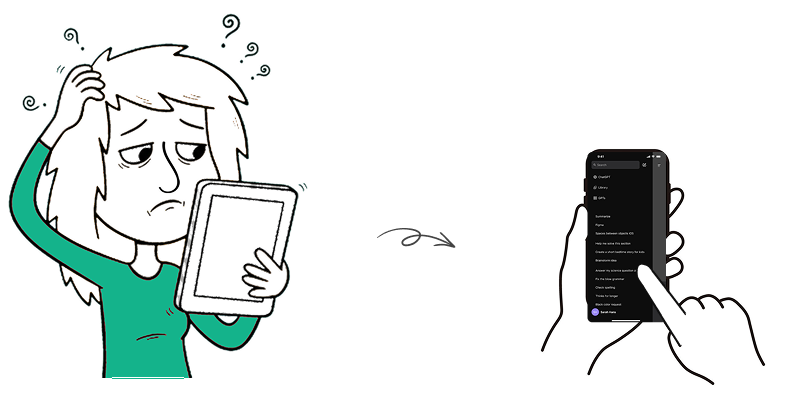
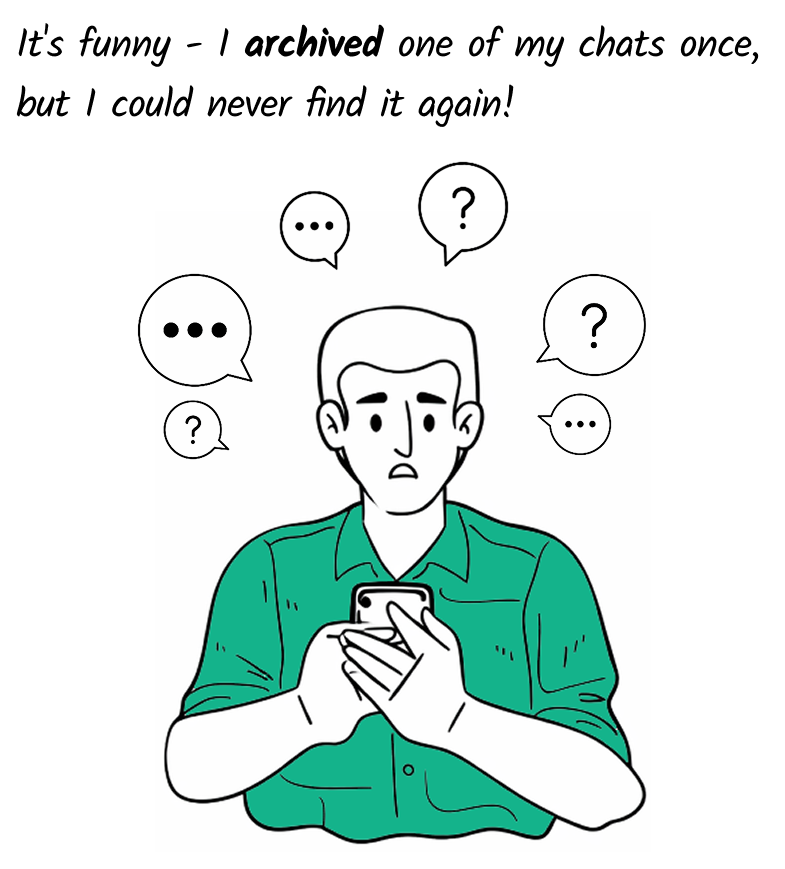
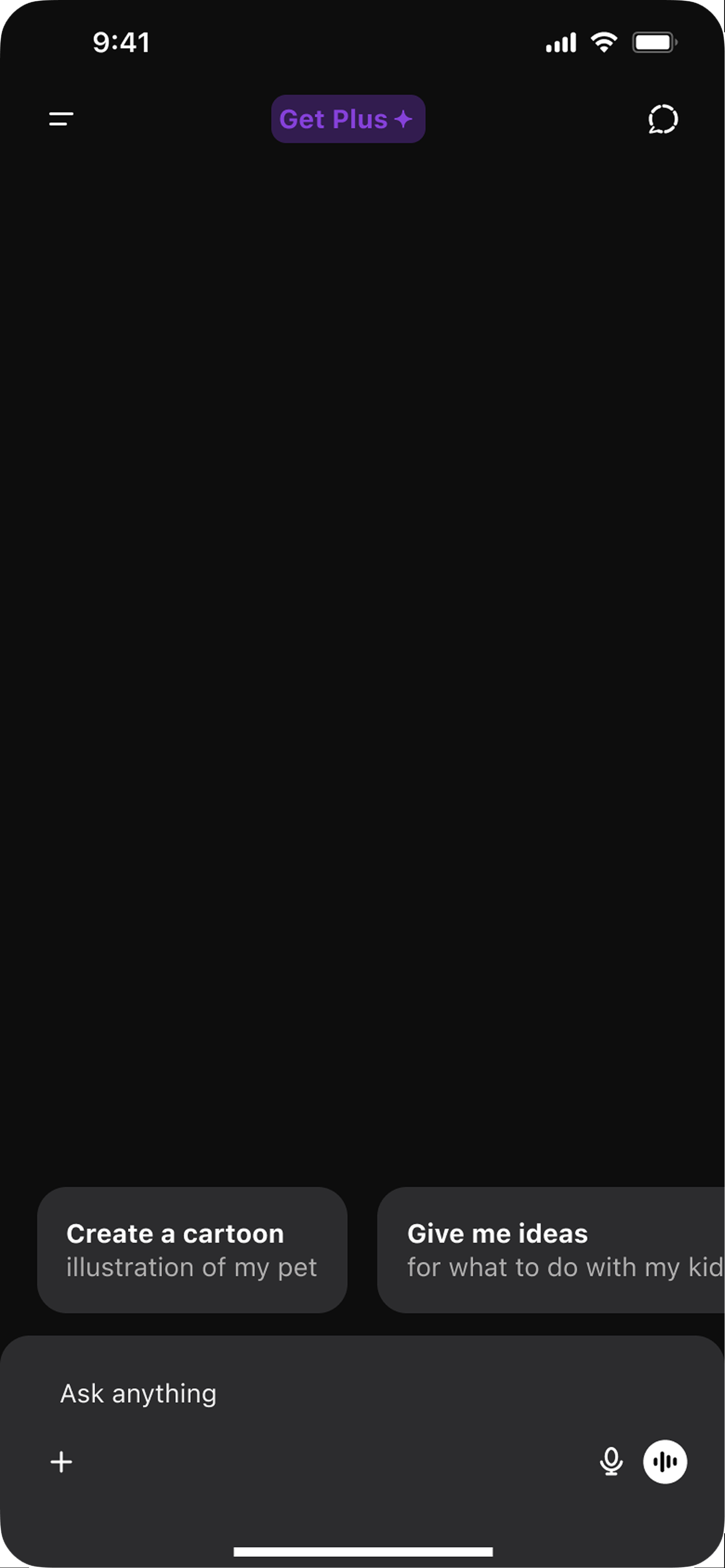
Sometimes, when you spend way too much time searching for something, you get tired and frustrated and suddenly you pause and wonder, “Why is this so hard?”
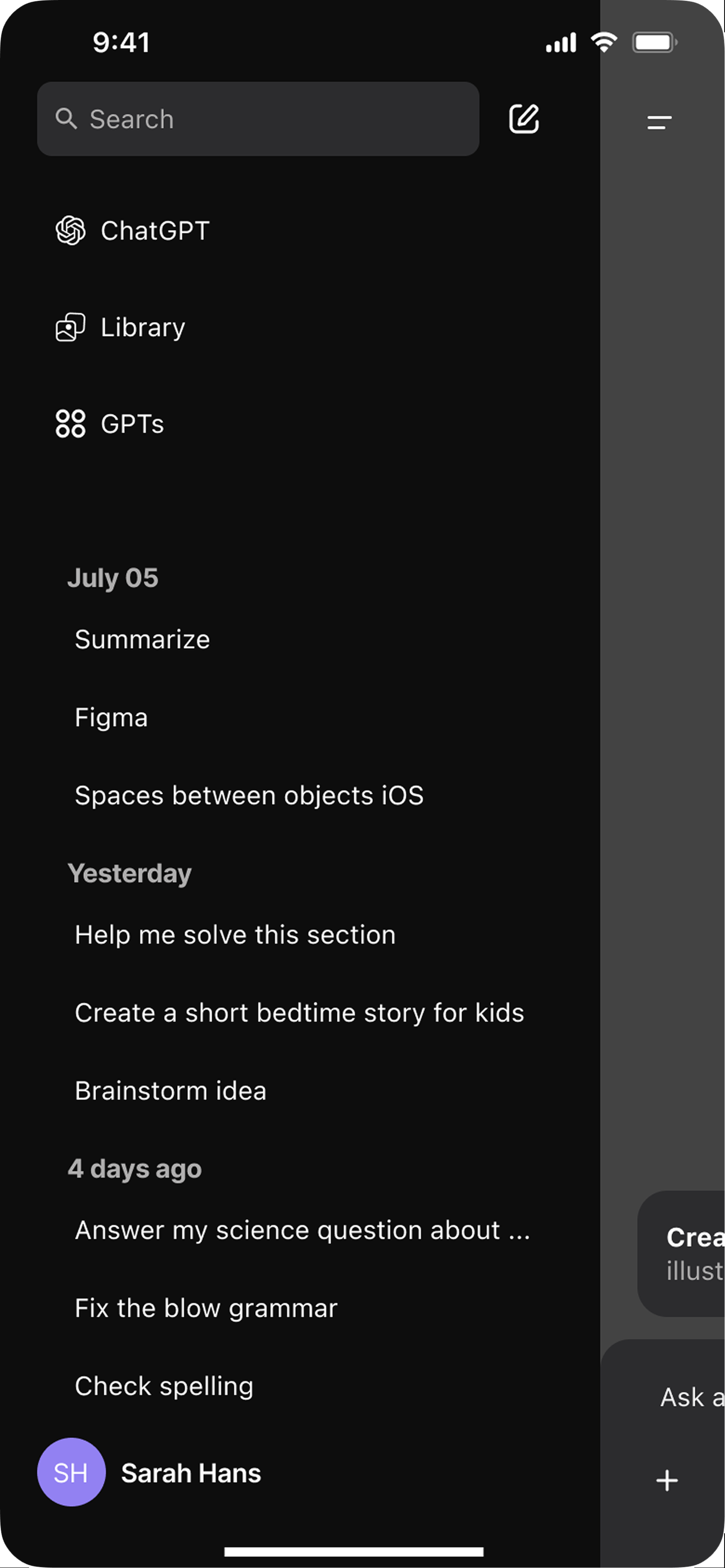
That was exactly my experience with ChatGPT when I wanted to find and review a past conversation. I got tired, confused and started to wonder if it was just me or if others had the same experience too.
Desk Research
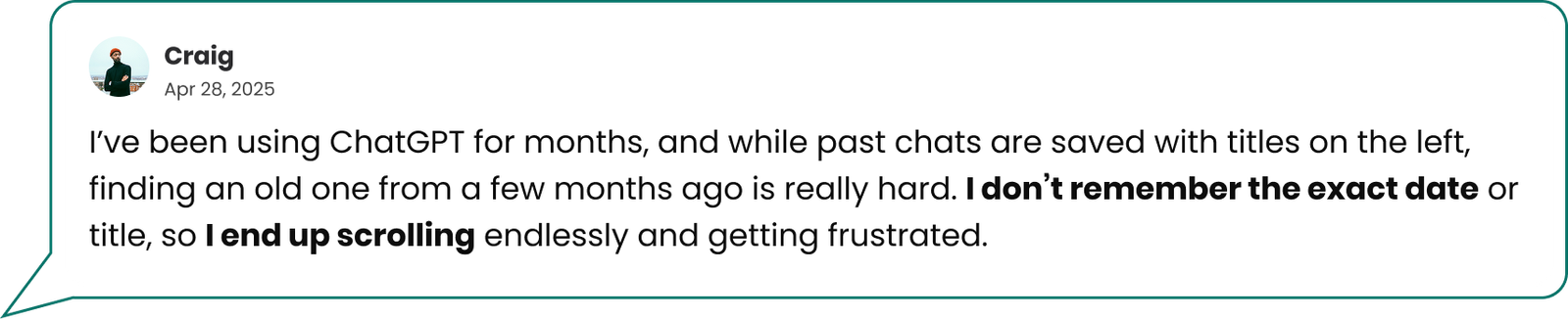
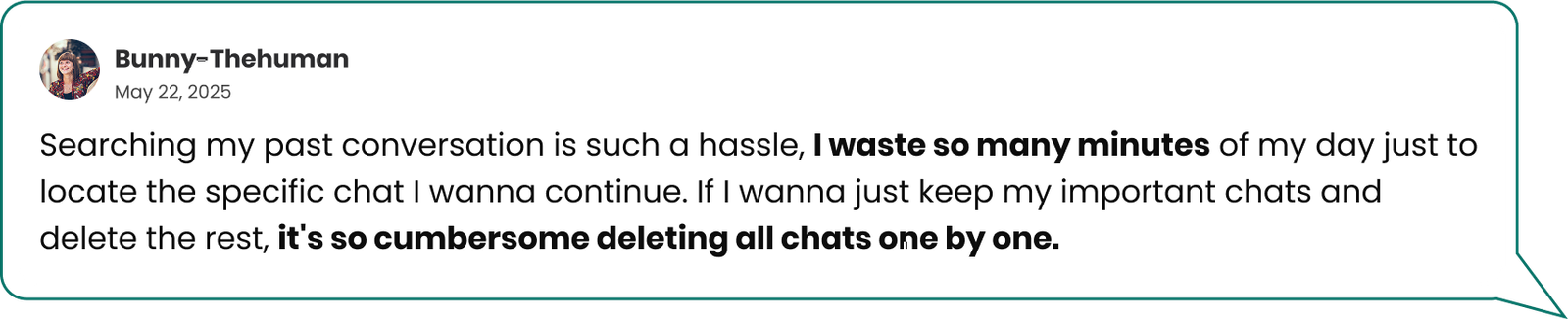
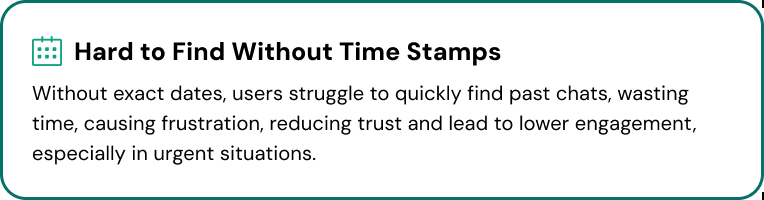
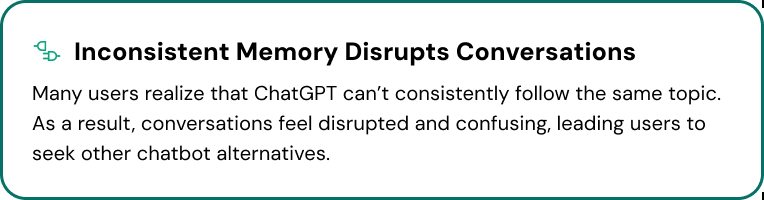
Many voices report the same problem
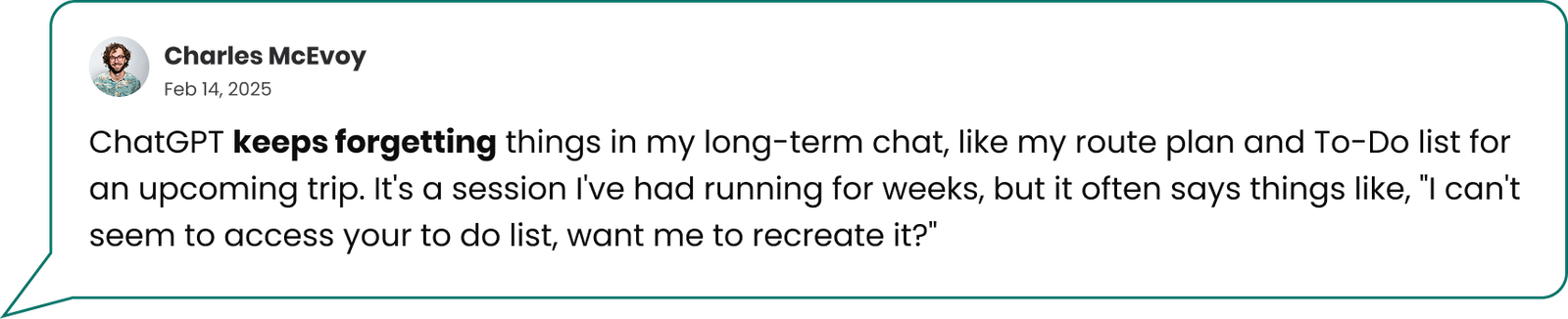
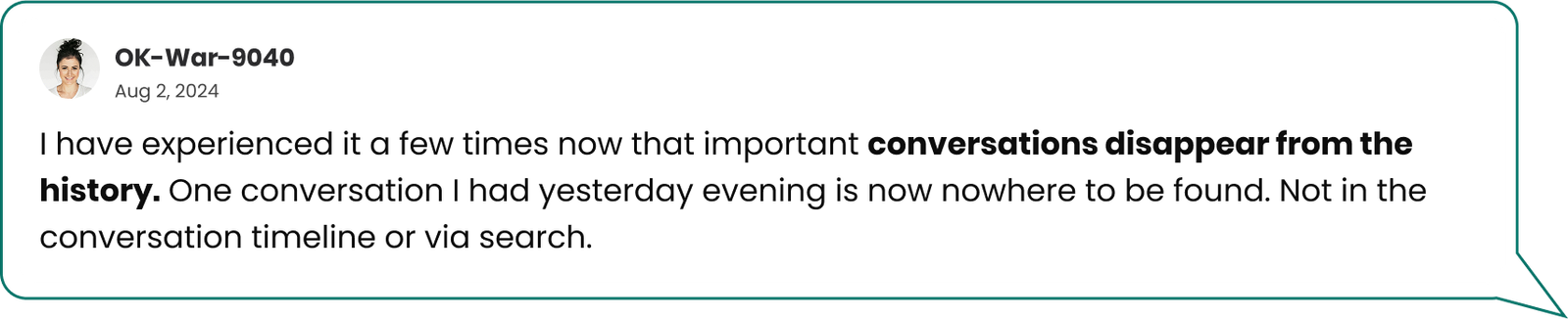
From voices on Reddit, AppStore, X, and Trustpilot, highlight users struggling with disorganized chats, limited search, missing timestamps, and having to repeat context due to lack of memory in conversations
User interviews
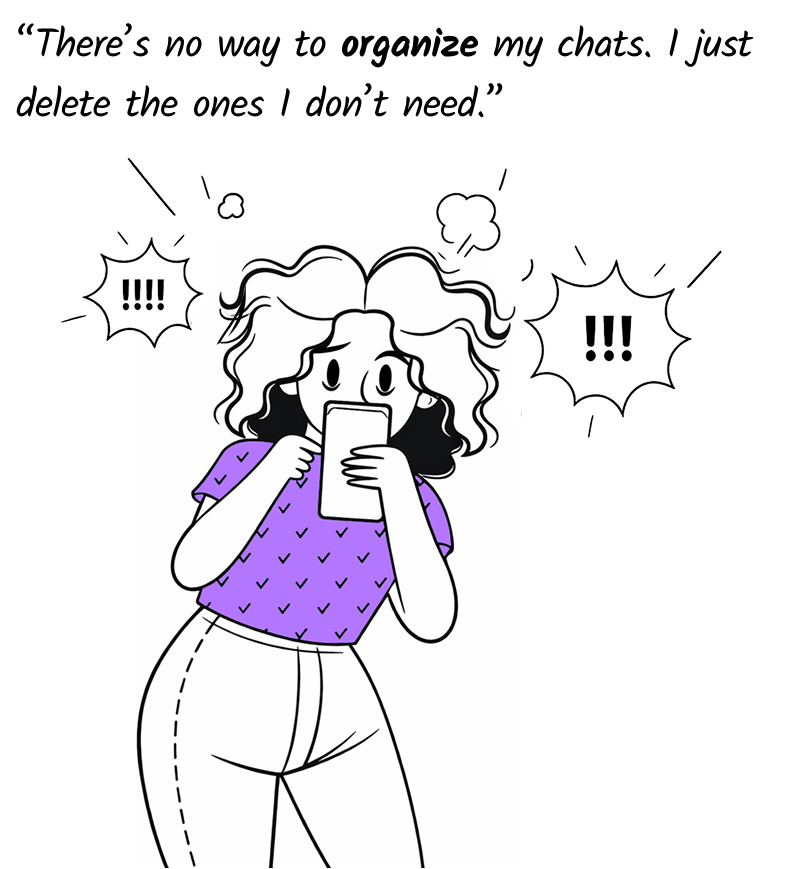
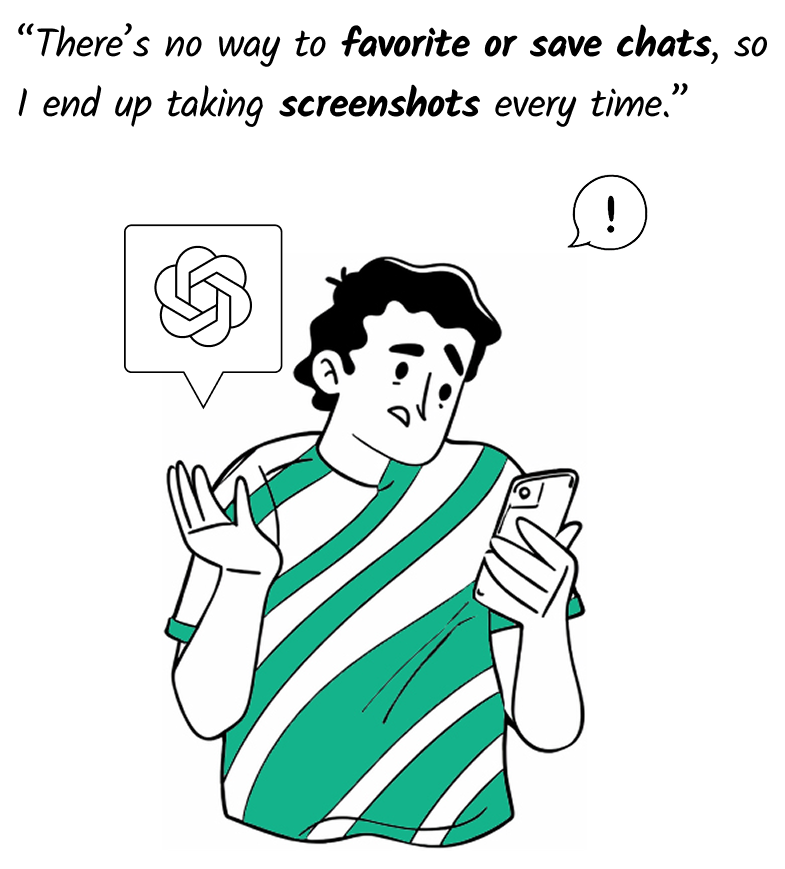
When chats ends in screenshots
To better understand the struggles users face with managing and revisiting past chats, we conducted over 10 interviews, observing not just what users said, but how they actually used ChatGPT in real life.
Synthesing Research
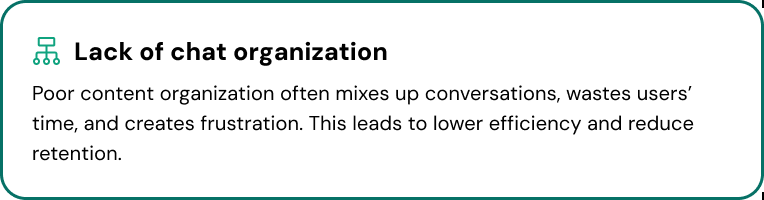
Based on data gathered through desk research and user interviews, we identified key themes and recurring insights. These were clustered to uncover the main needs and challenges users face when using the ChatGPT app.
Key Insights
Who are our GPT users?
Designing for Efficiency and Simplicity
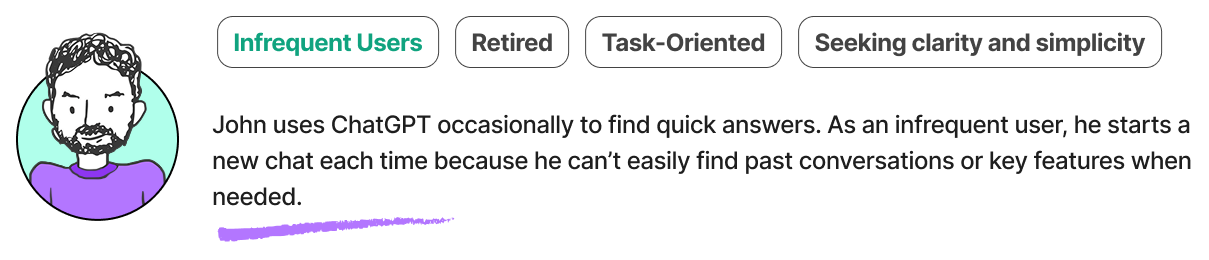
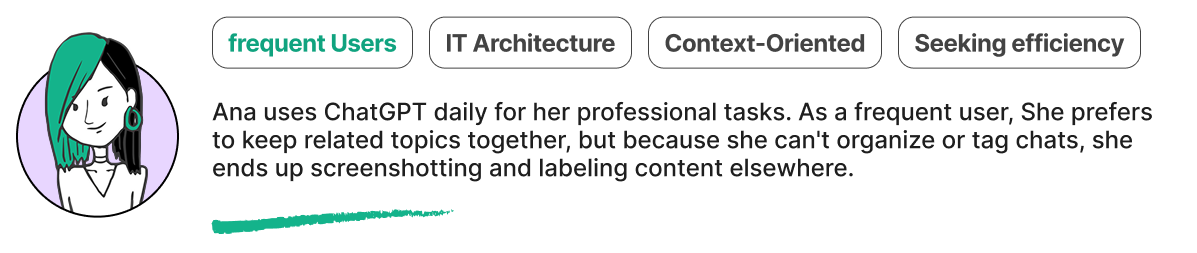
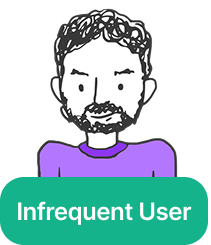
Through our research, we identified two distinct GPT user types with unique goals and behaviors. Creating their personas gave us a clear view of pain points and helped align the team around real user needs.
A GPT Journey
The Tipping Point: When History Became a Hassle
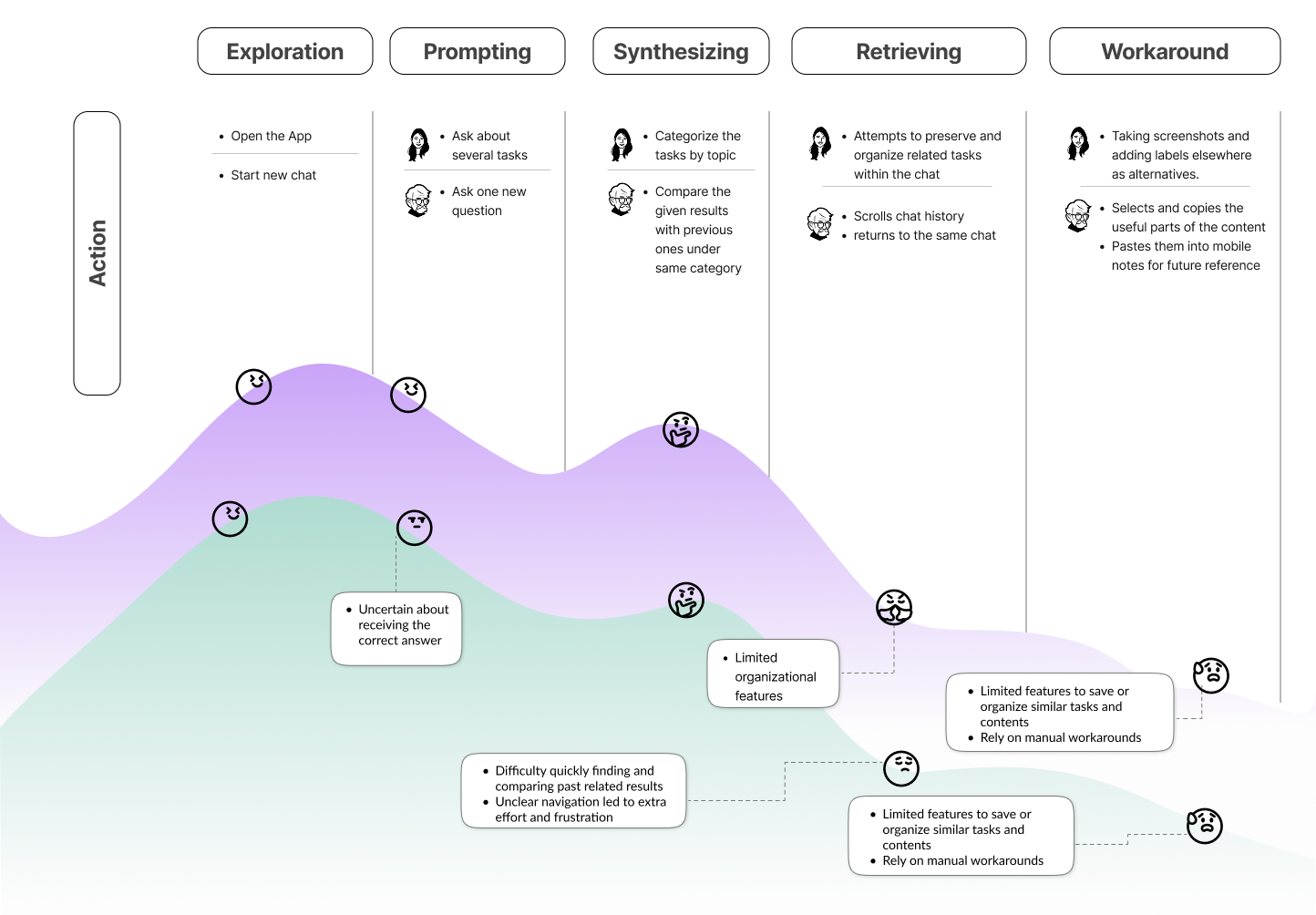
We mapped the journey of our users to deeply understand their emotions, challenges, and needs while using ChatGPT. These insights guide us to make better design decisions that truly address their pain points. But first, let’s analyze how competitors approach similar challenges.
Looking at the Competitors
How Competing AI Chat Apps Win on User Experience
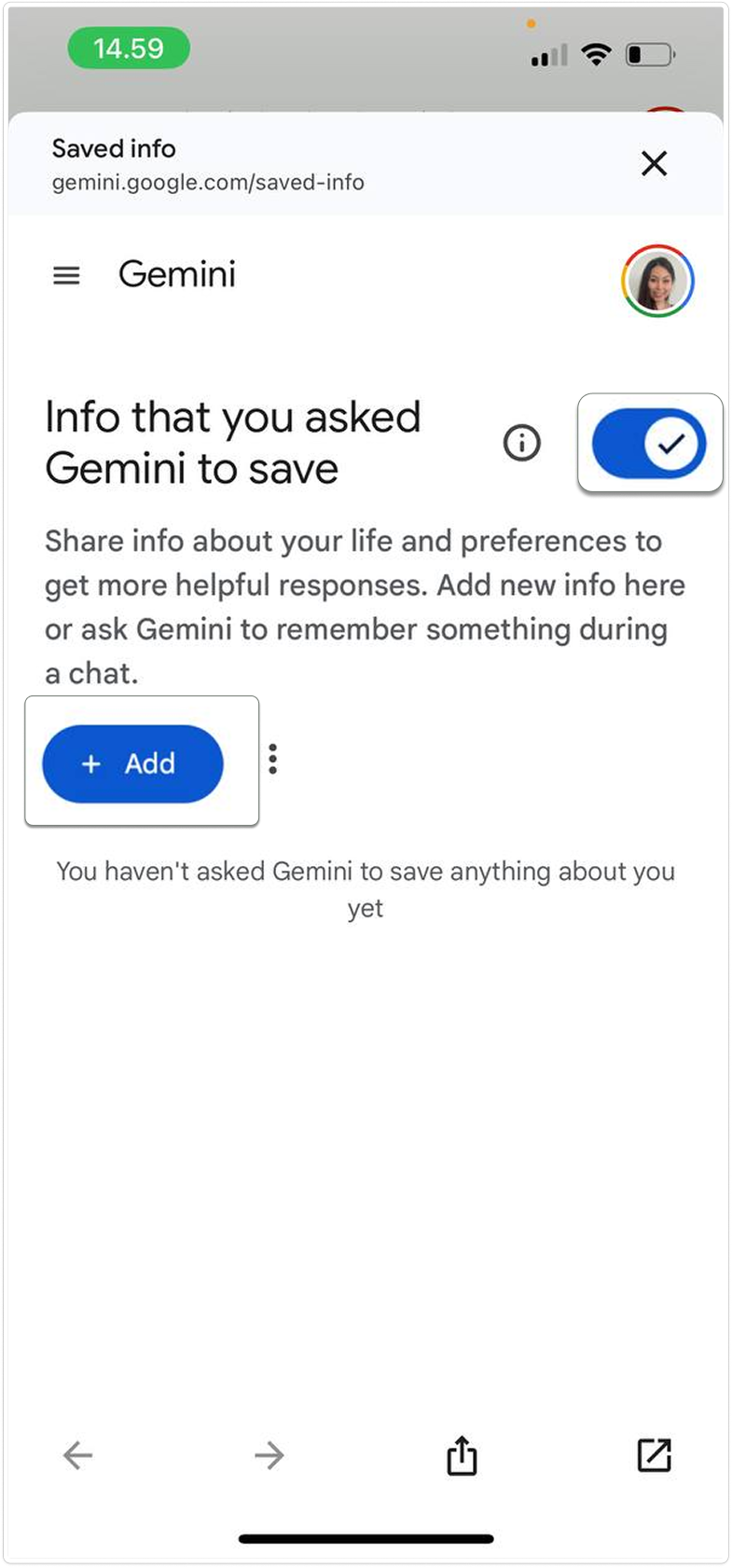
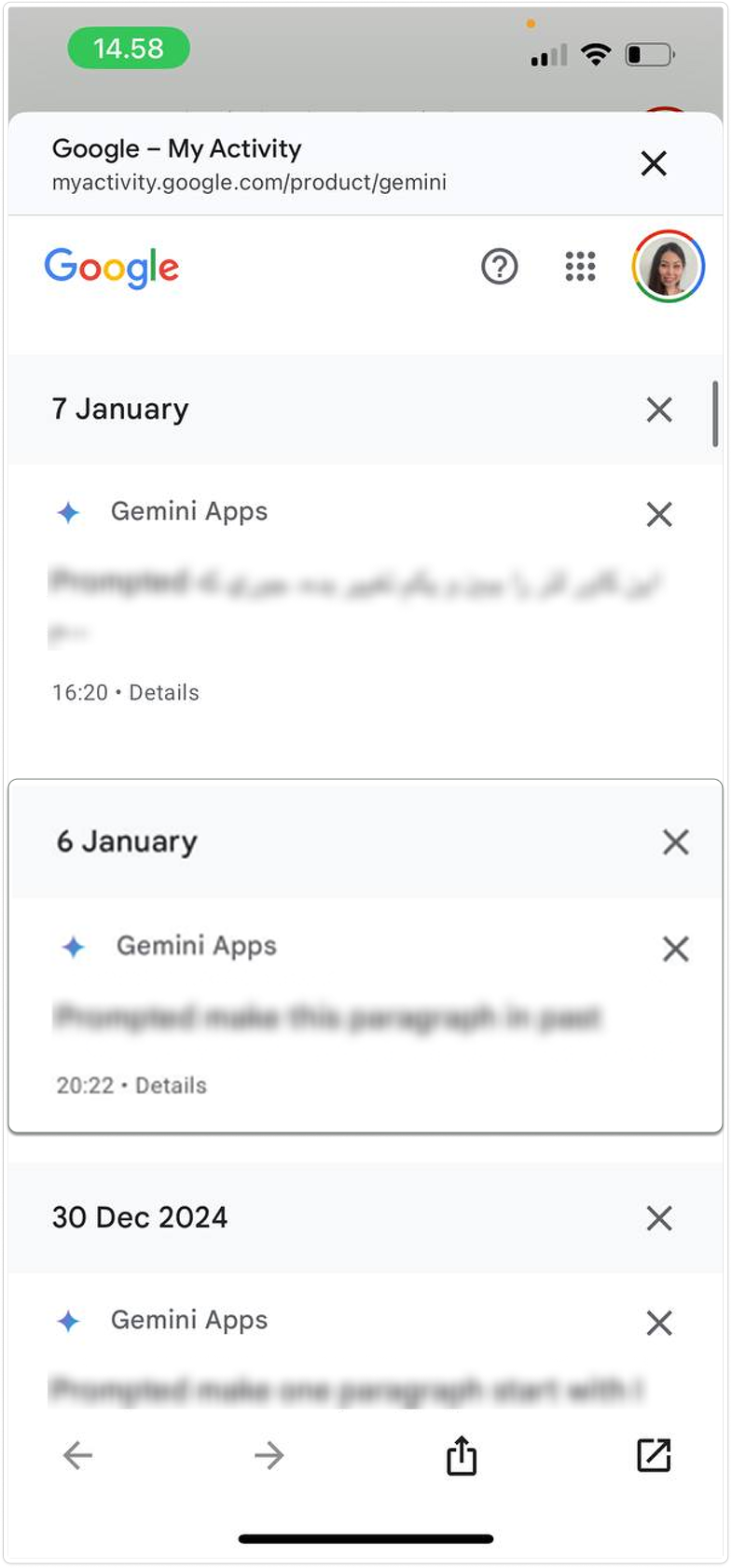
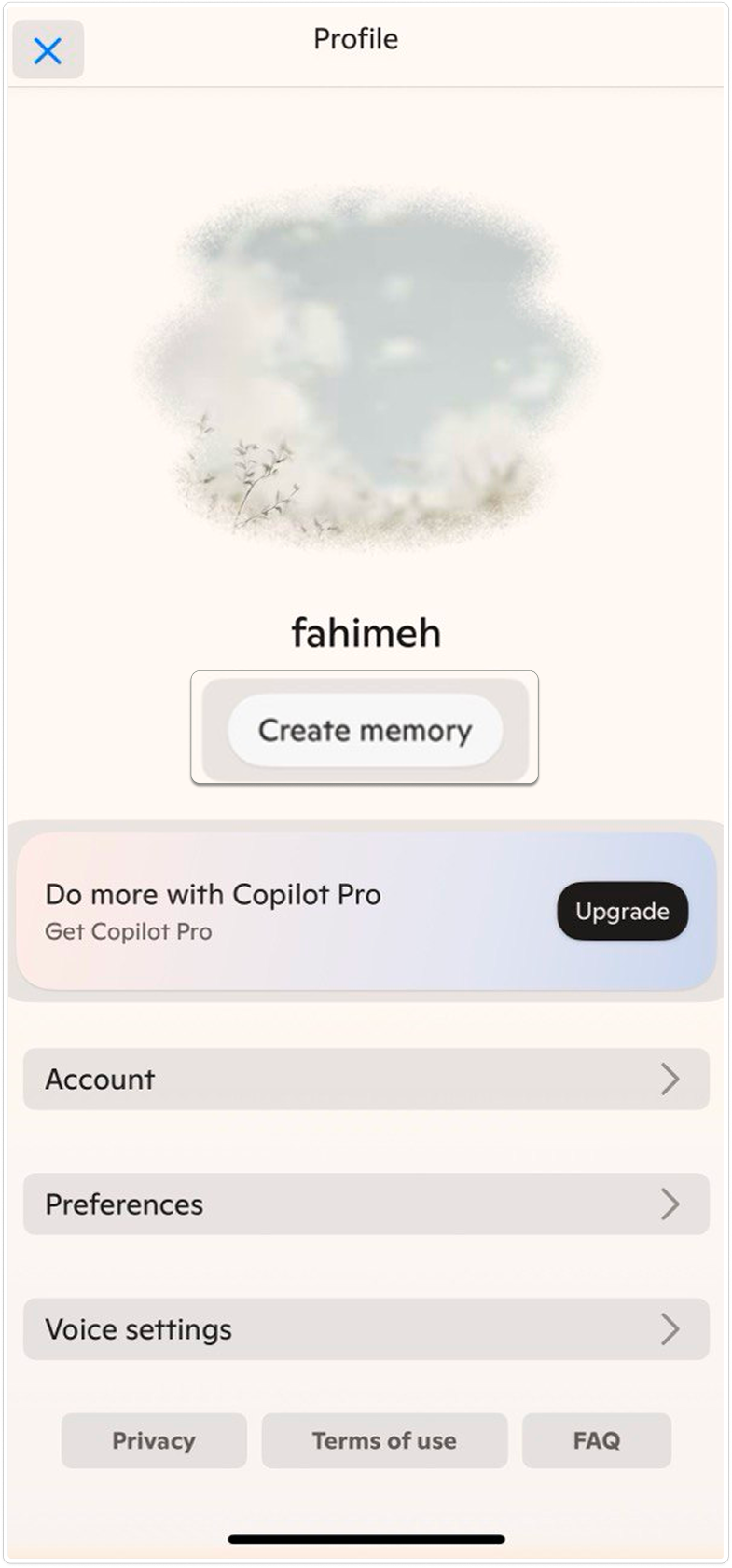
Gemini is the only one with clear, editable memory you can control.
Claude mentions it but doesn’t show much, while Pi and Copilot mostly hide it.
Gemini and Claude make tools like export or style easy to find with clear buttons.
Pi and Copilot have similar features, but they’re harder to access.
Most apps show chat times, but only Gemini and Claude make them easy to see.
Others hide them, making it harder to find past messages.
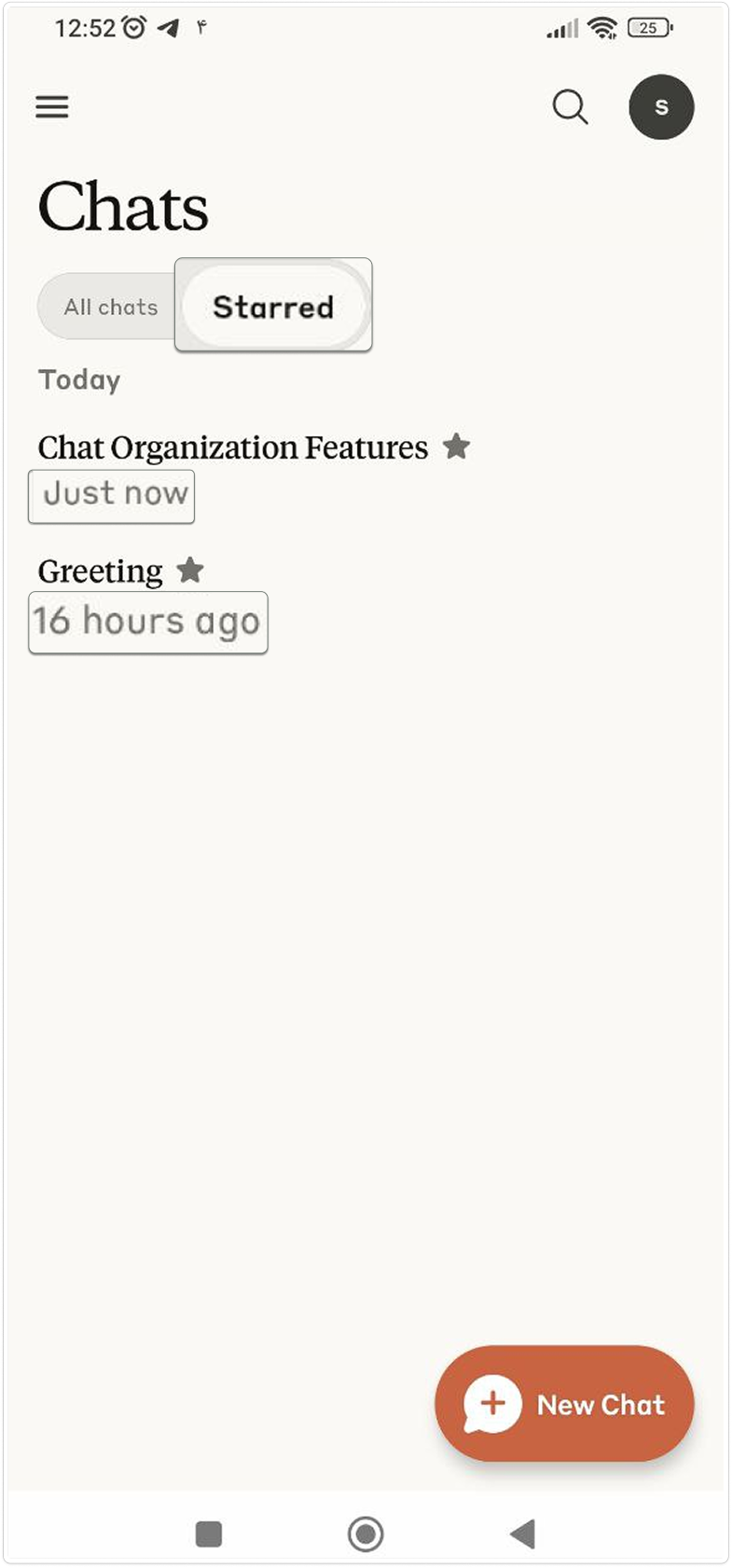
Claude stands out with options to rename, star, and filter chats.
Gemini offers some tools too, while Copilot only shows a basic chat list.
Brainstorming
From Sticky Notes to Strategy: How We Found Focus
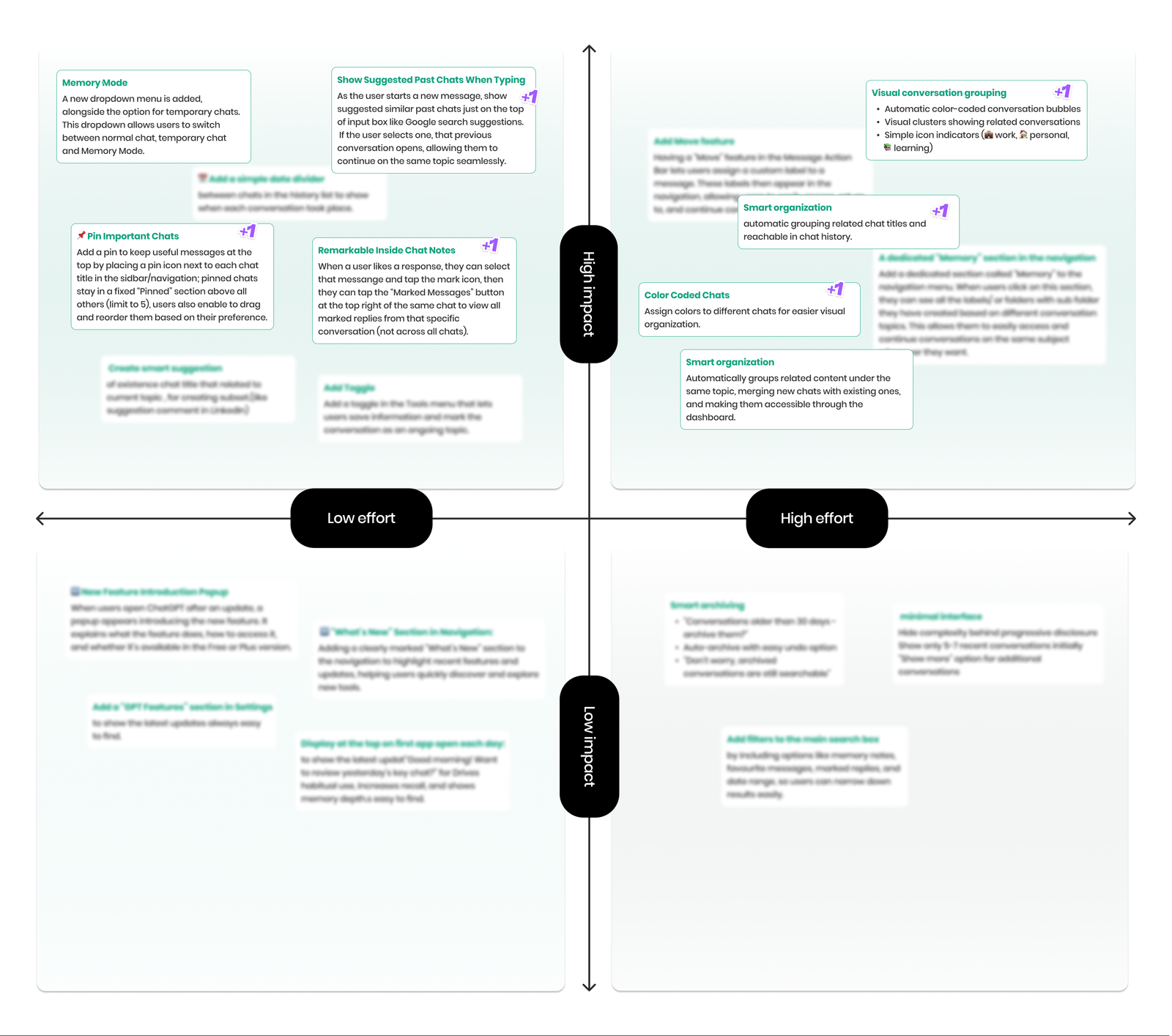
Based on key user challenges in organizing and retrieving chats, we evaluated our ideas to identify those with the highest impact. This clear approach helped us quickly prioritize the most feasible and valuable solutions and set a clear direction for the next design phase.
Visual Design
Focused Design: Turning Priorities into Practical Features
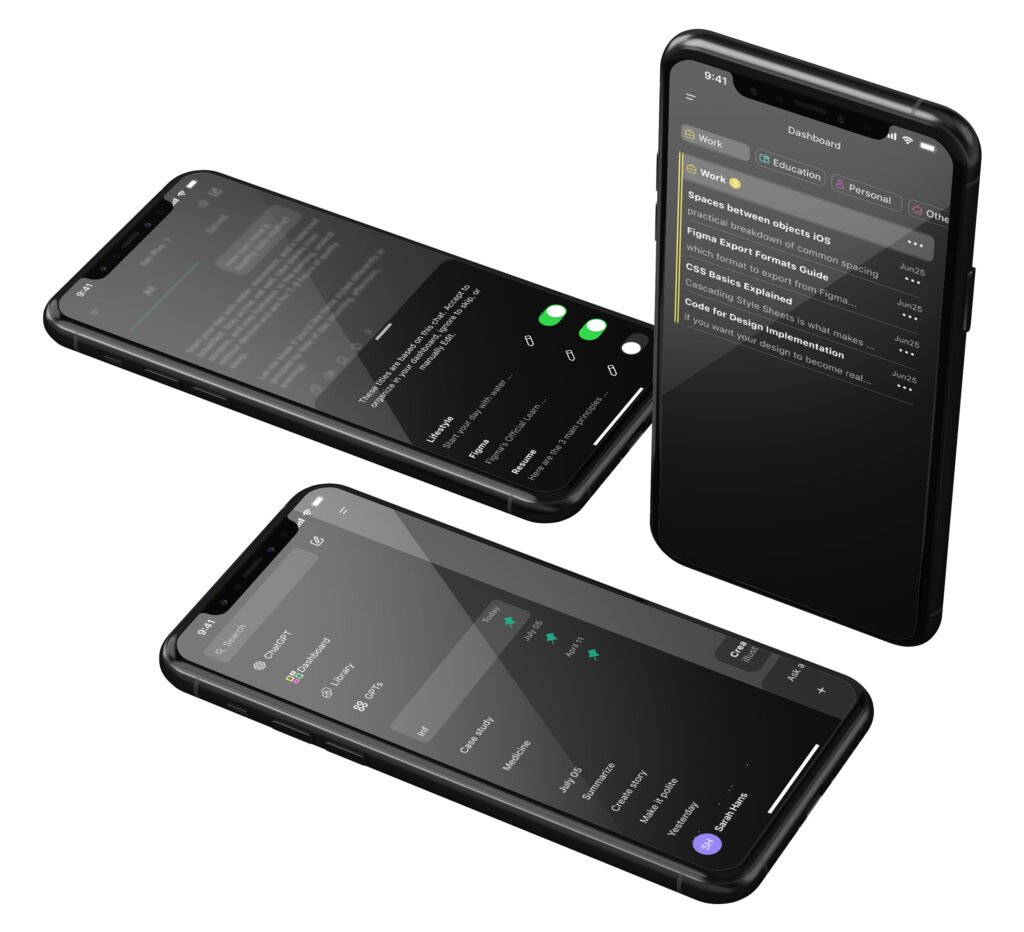
Based on prioritized ideas, we designed several practical features to help users manage and find their chats more efficiently and clearly.
Enhancing Conversation Consistency
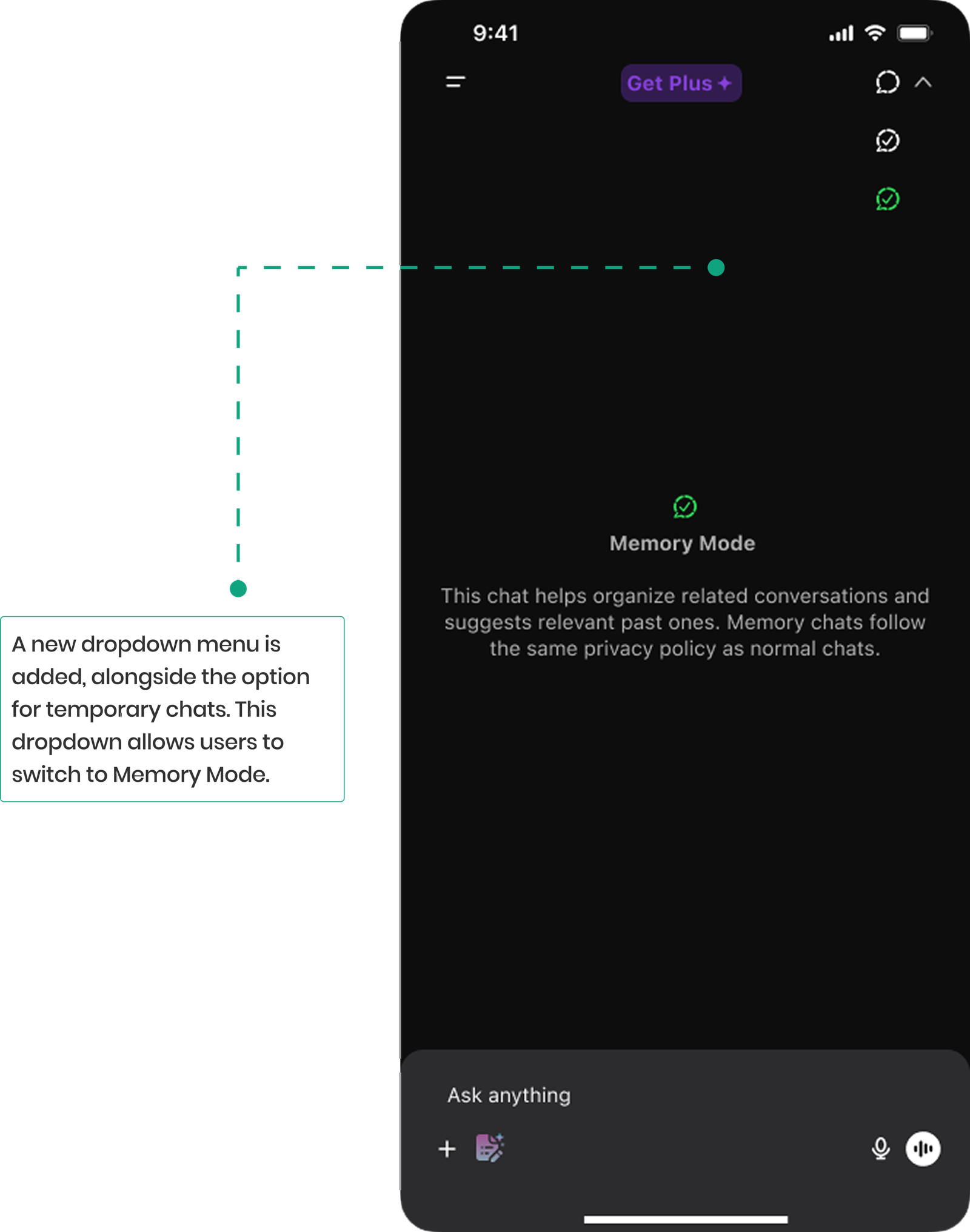
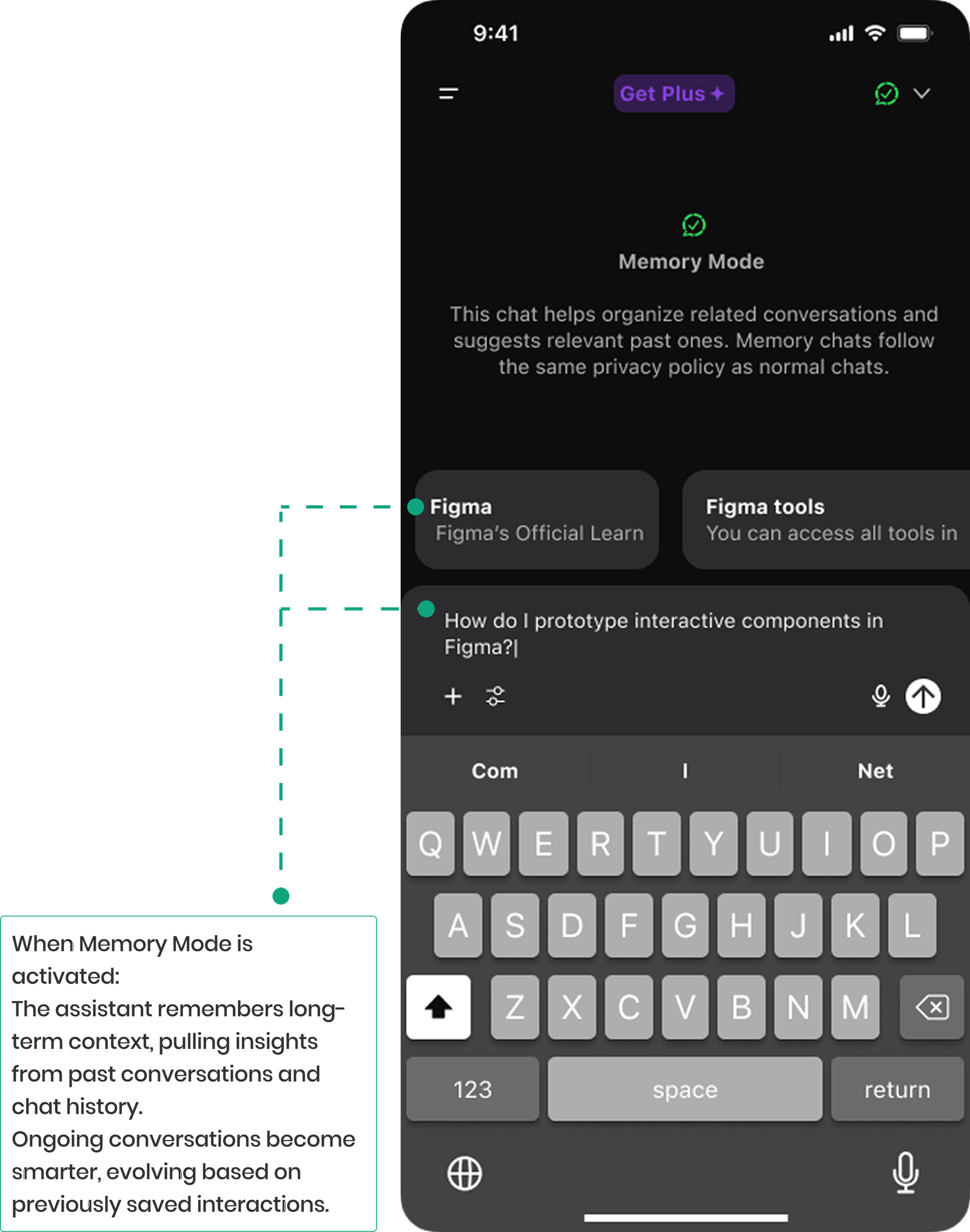
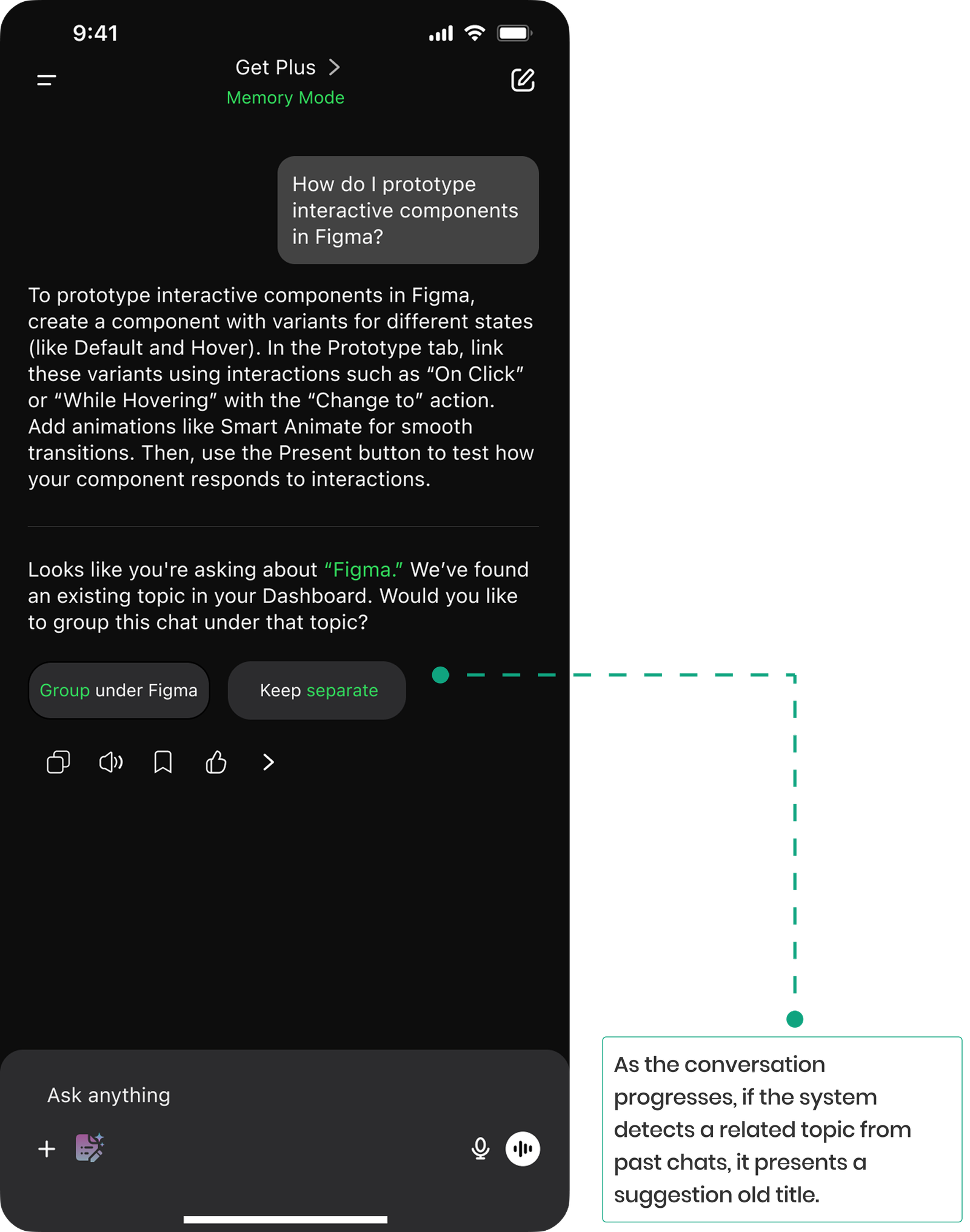
Addressing context loss by designing Memory Mode to keep chats connected and meaningful.
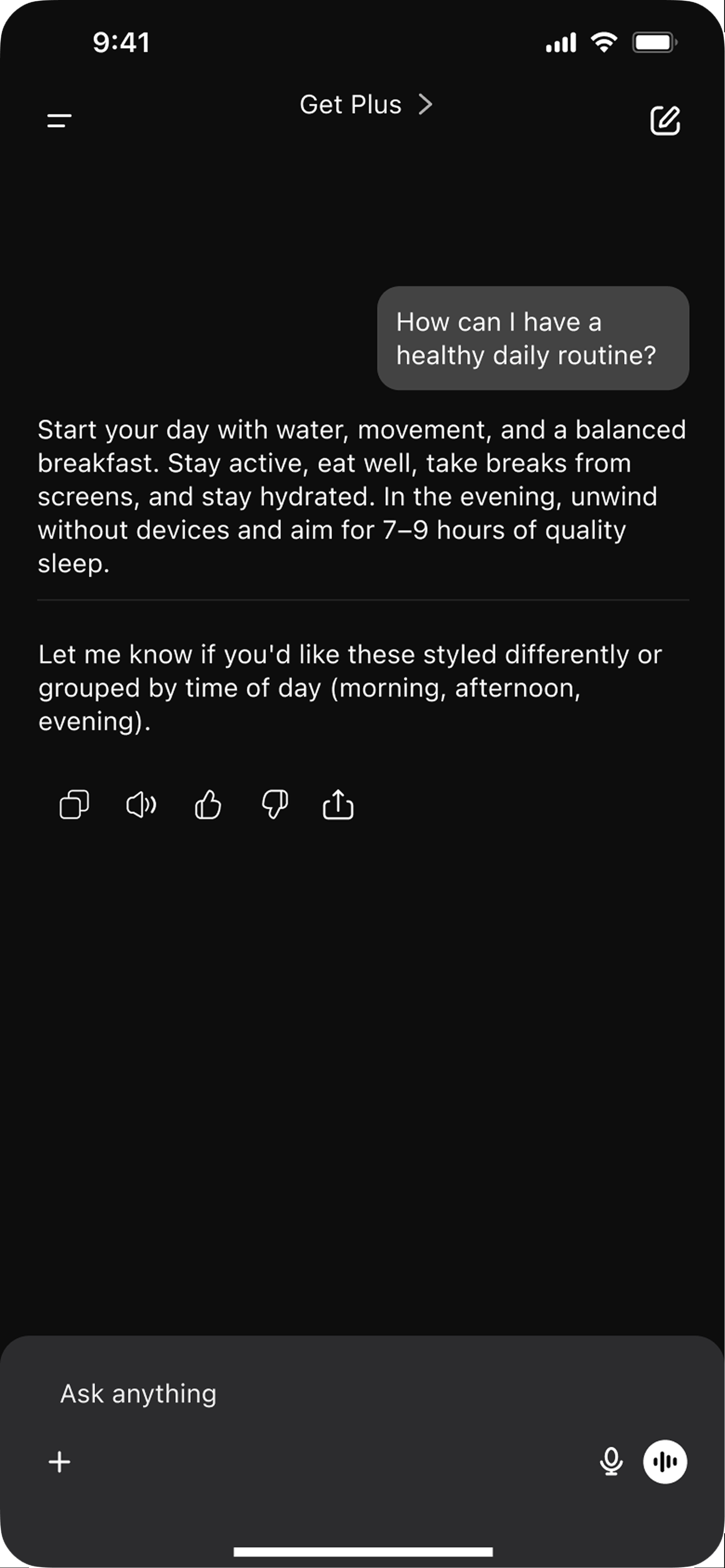
Old Design
“Every time I ask ChatGPT about something we talked about before, it acts like it’s the first time. I have to explain everything again or spend ages digging through past chats.”
New Design
We designed Memory Mode to keep context connected by recalling past chats, suggesting related conversations, and grouping similar chats when needed, making interactions feel seamless and meaningful.
Improving Chat Navigation with Clear Timestamps
Providing visible date lables to help users quickly find and revisit past conversations with ease and confidence.
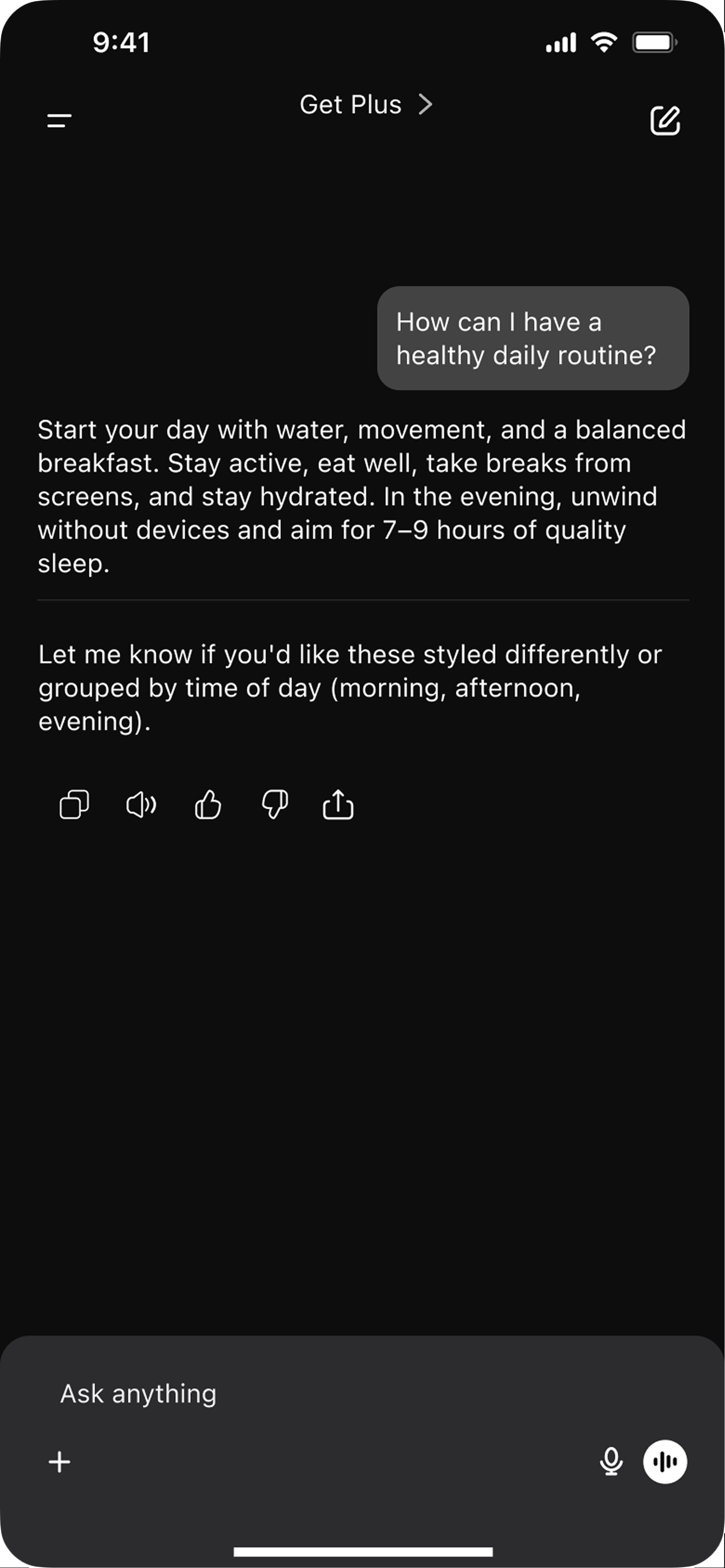
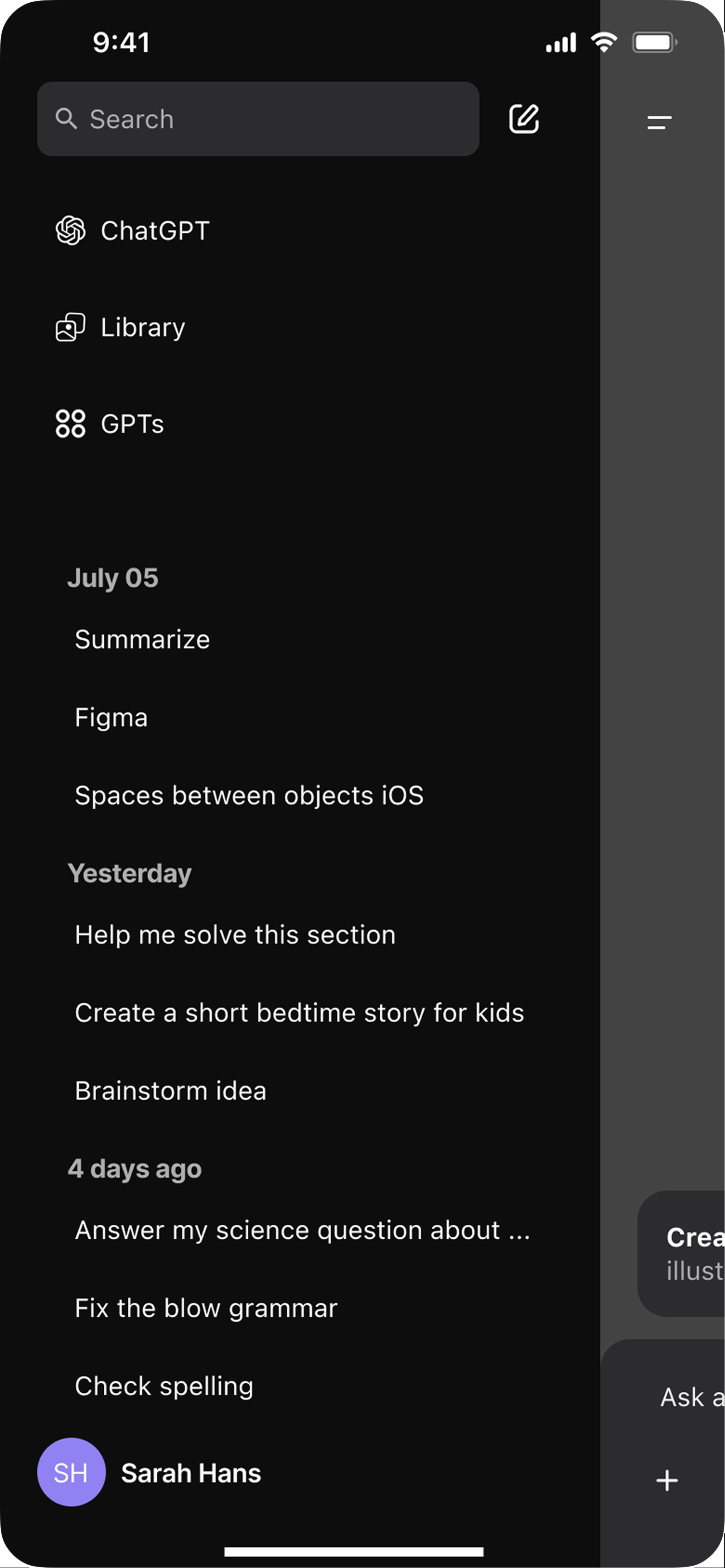
Old Design
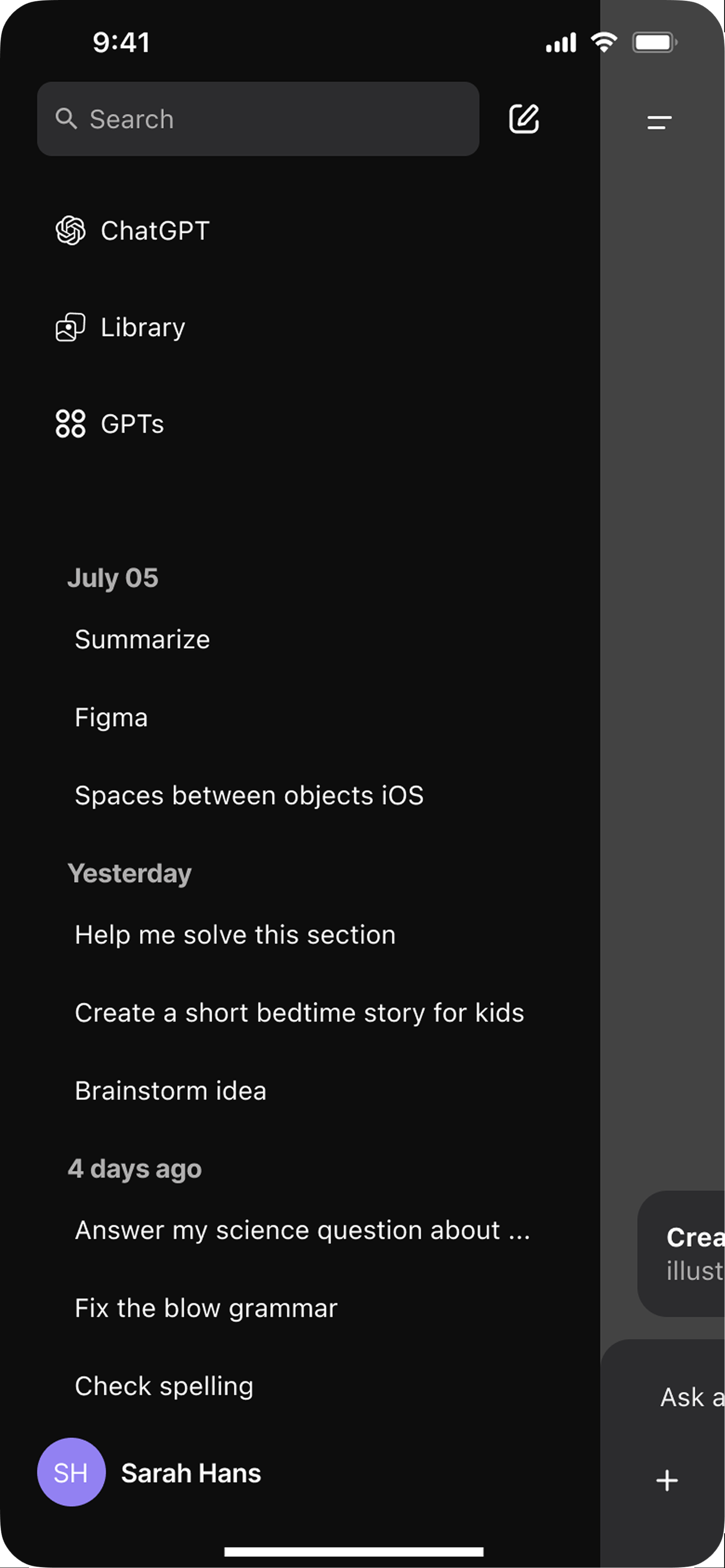
“Sometimes I’m in a rush and want to quickly find an answer I got from ChatGPT before. I kind of remember when it was but without any dates, it’s hard to track it down.”
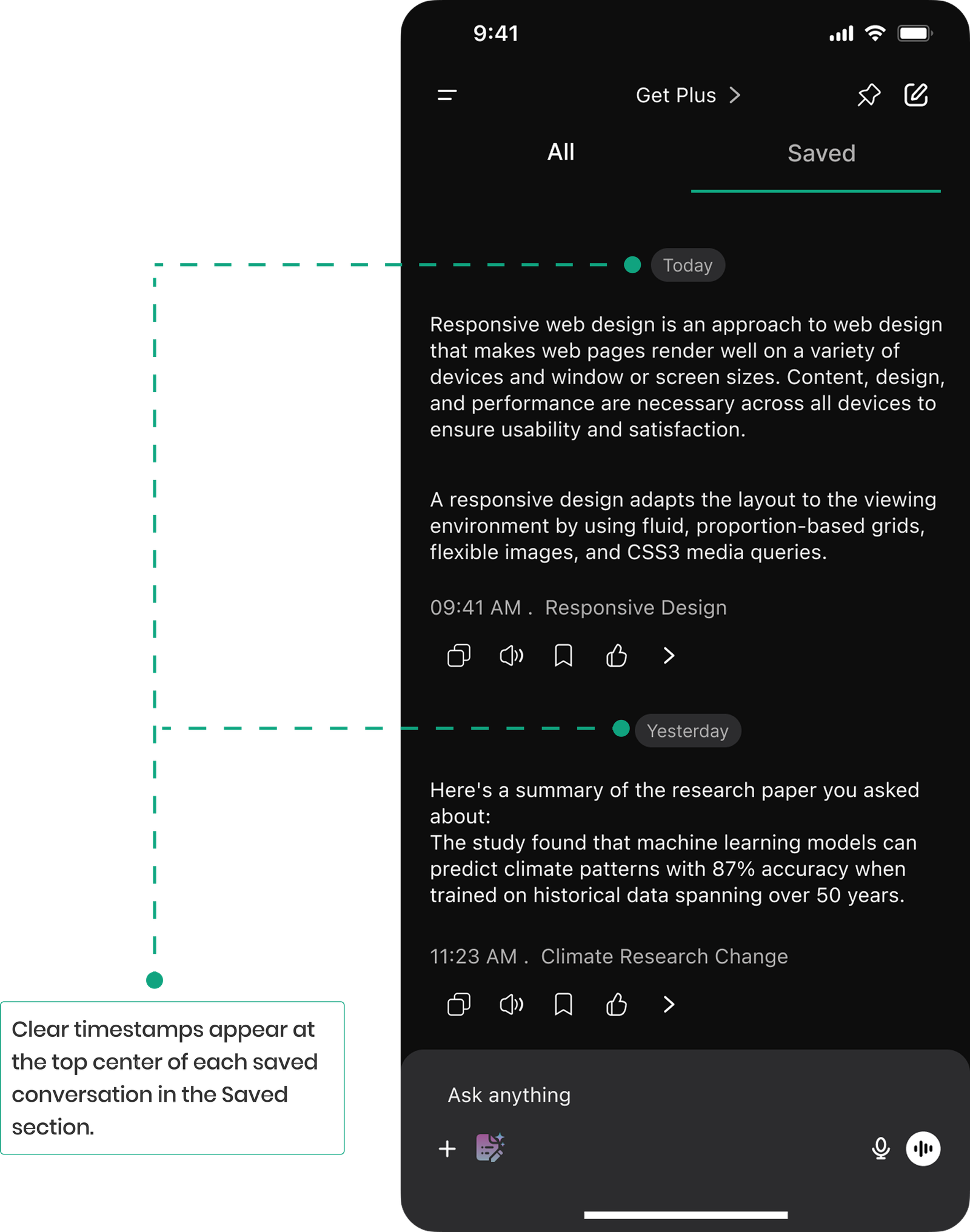
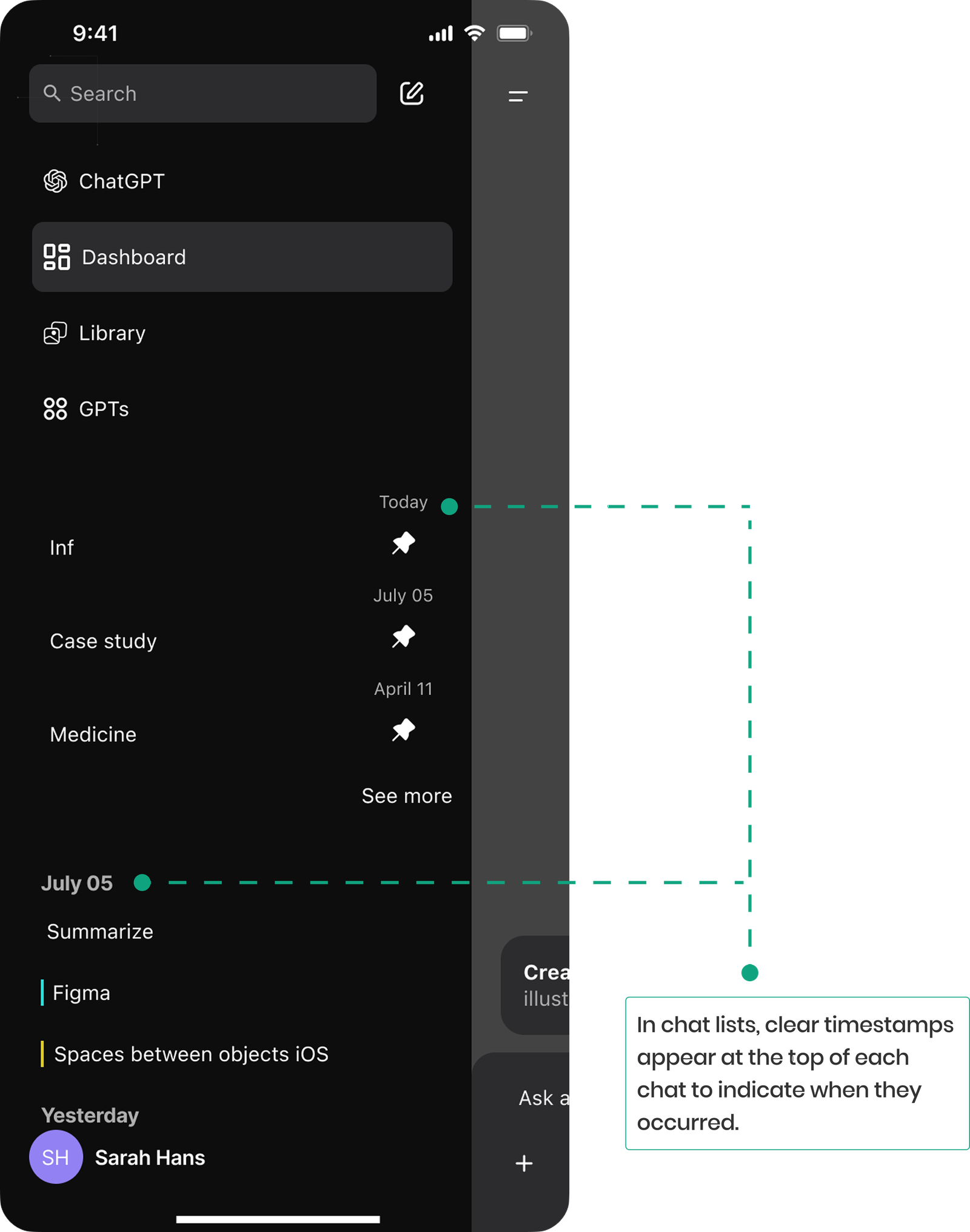
New Design
We designed the timestamps feature to make past chats easier to find and follow. By adding clear date labels both in the chat list and in the Saved section, users can quickly see when conversations took place and were recorded. This feature helps maintain context and clarity throughout the app.
Introducing Robust Chat Organizational Features for Better Accessibility, Efficiency, and Clarity
Designing proper and intuitive smart features like pinning, saved replies, and AI driven categorization to help users effortlessly organize and retrieve key chats.
Old Design
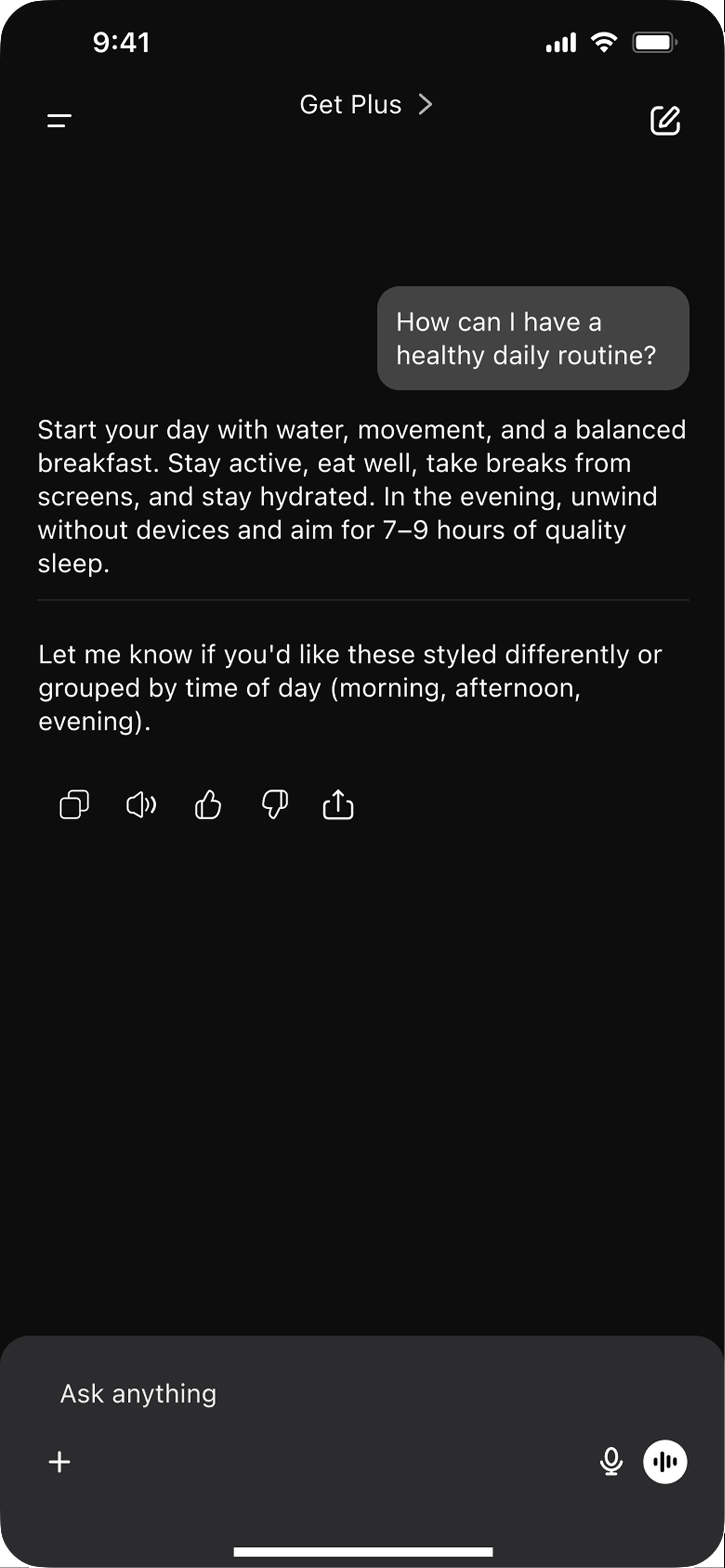
“I want to organize my chats for quick retrieval in the future, but since it’s frustrating, I usually end up screenshotting important parts and deleting the rest to avoid a mess.”
New Design
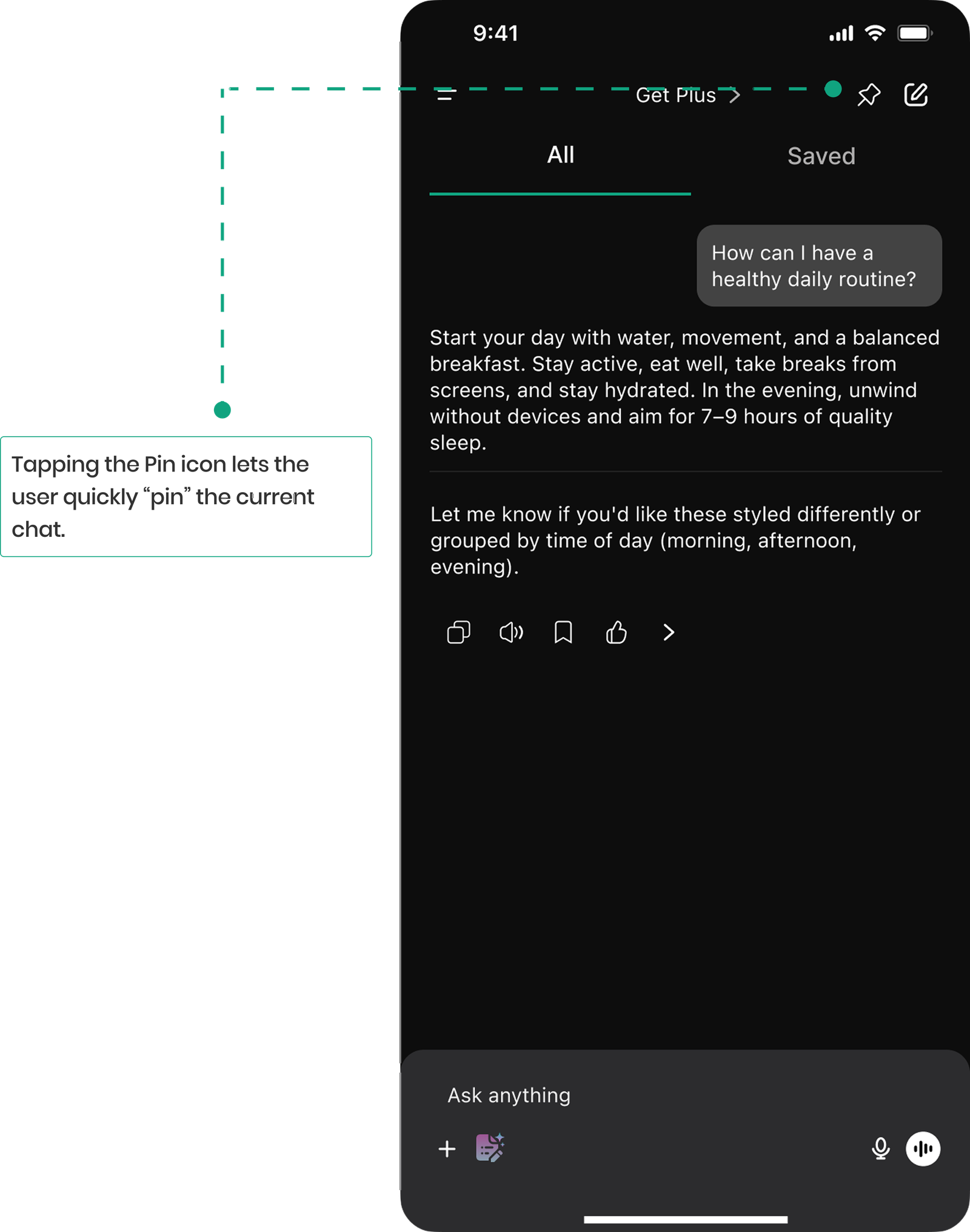
Solution 1: Pinning Important Chats
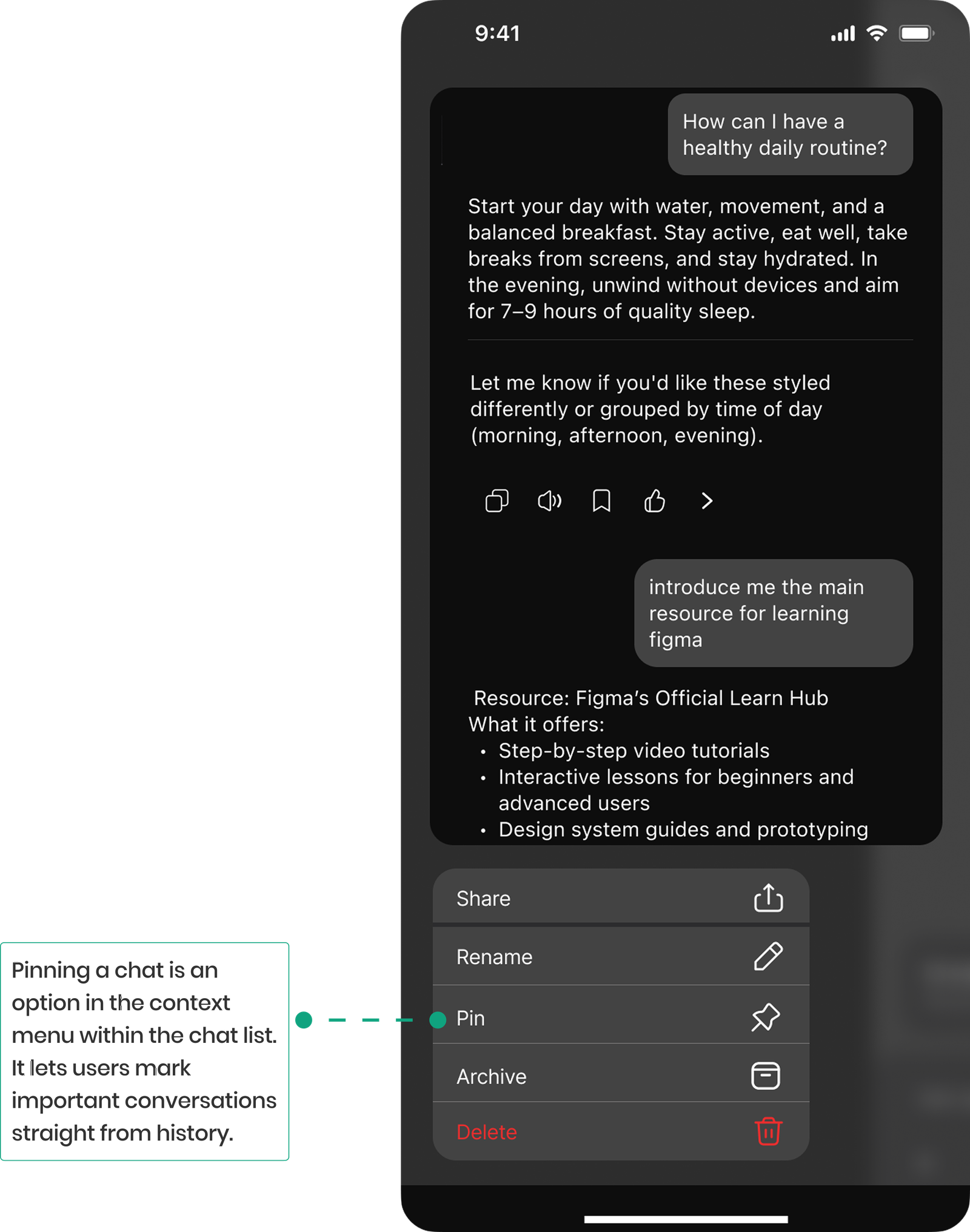
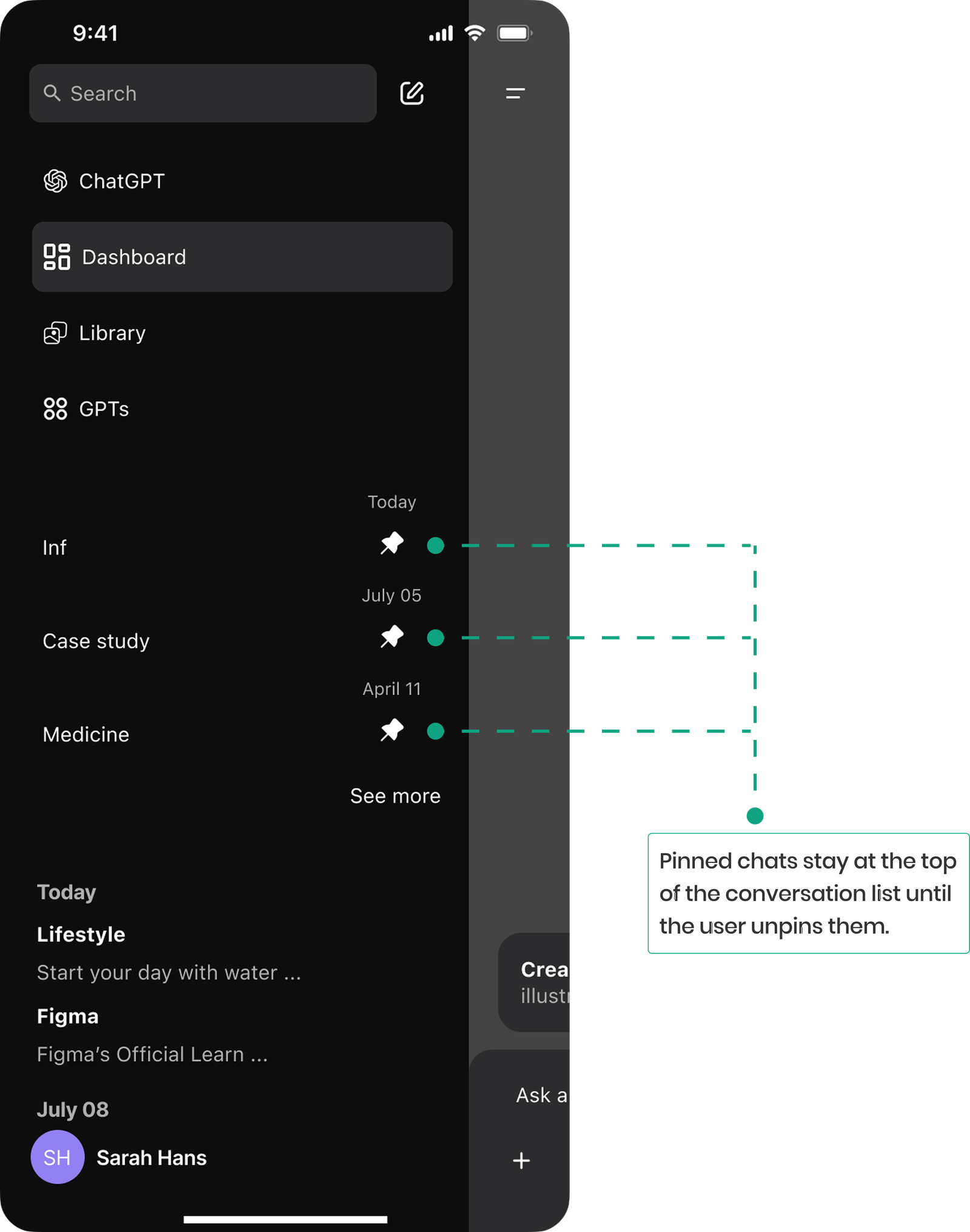
We designed a pin feature that lets users quickly mark important conversations via a pin icon in the chat or chat list. Pinned chats stay at the top, making key messages easy to find and access without endless scrolling.
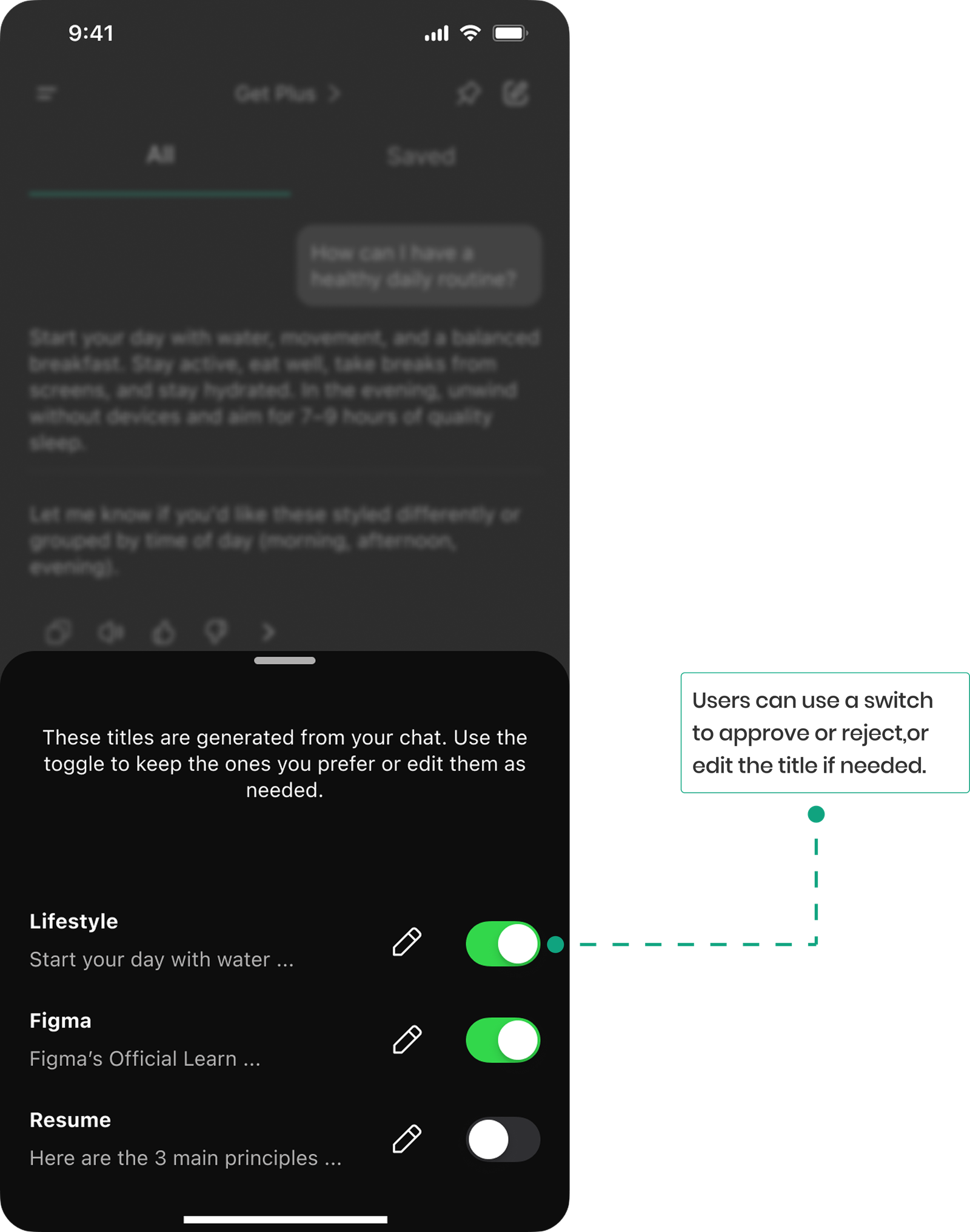
Solution 2: AI Smart Organization
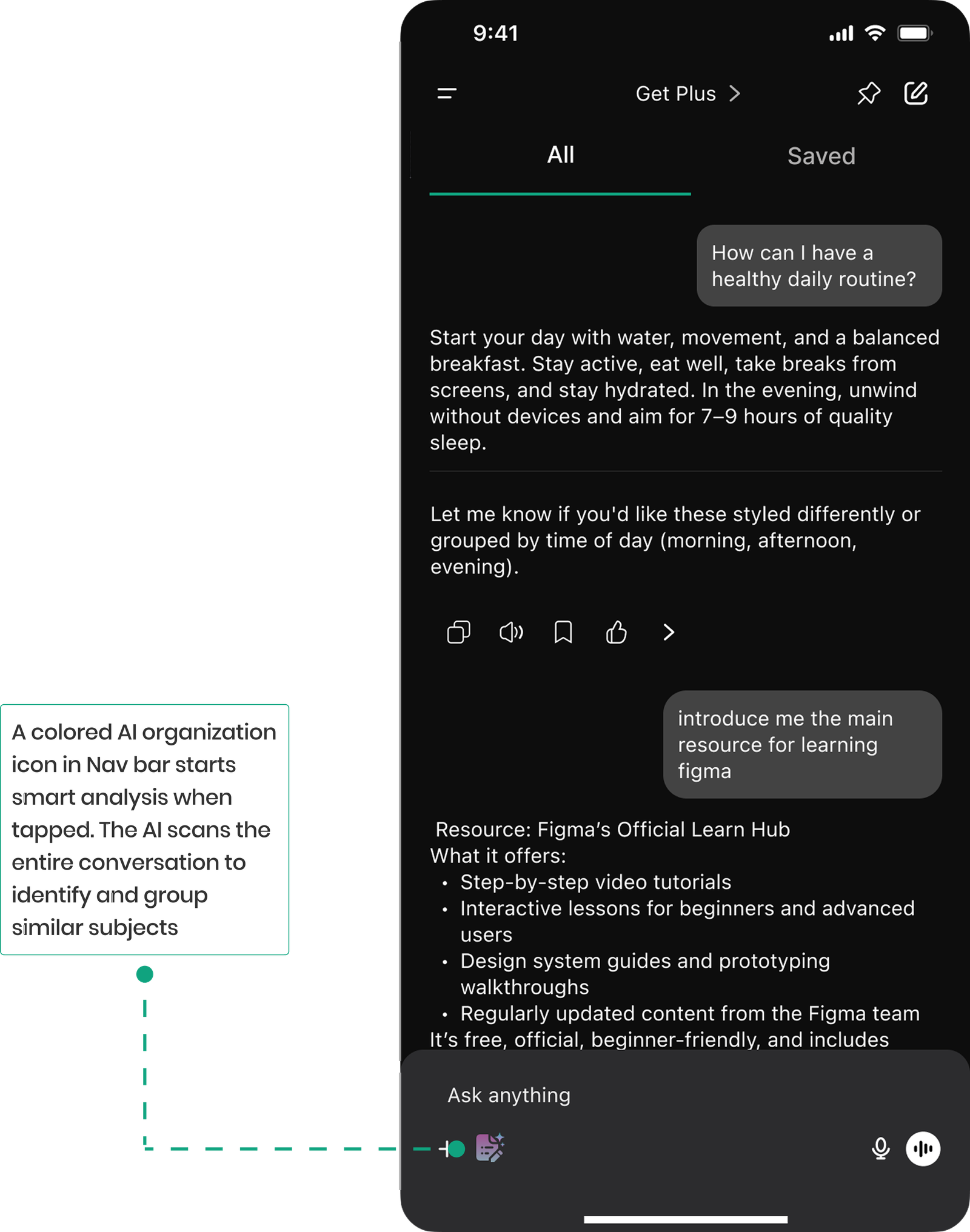
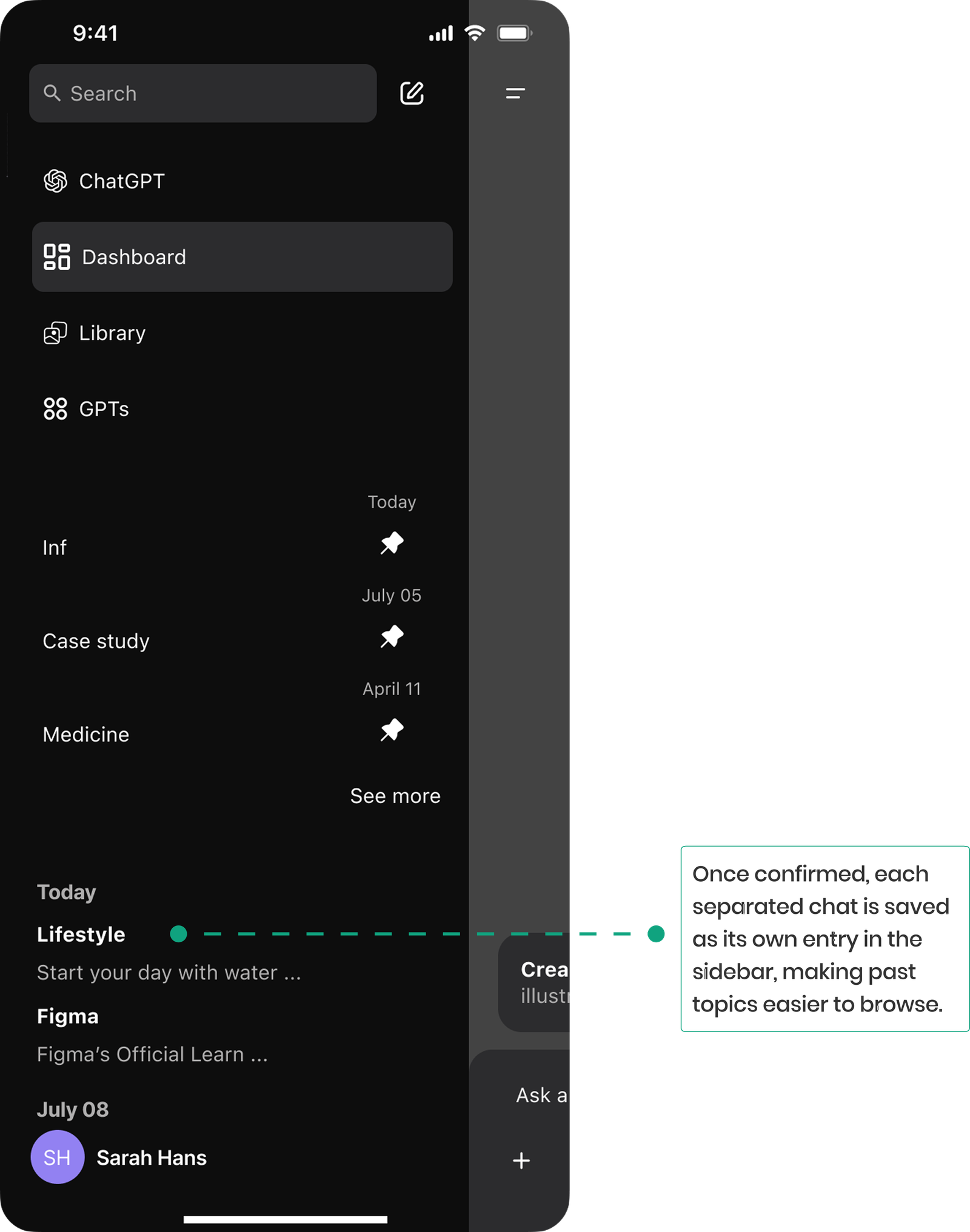
We designed an AI feature that automatically scans conversations and generates title-based groups. Users can easily approve or edit these suggested titles. Once confirmed, each title is saved as a separate chat entry in the navigation sidebar, helping users quickly browse and manage past discussions by subject.
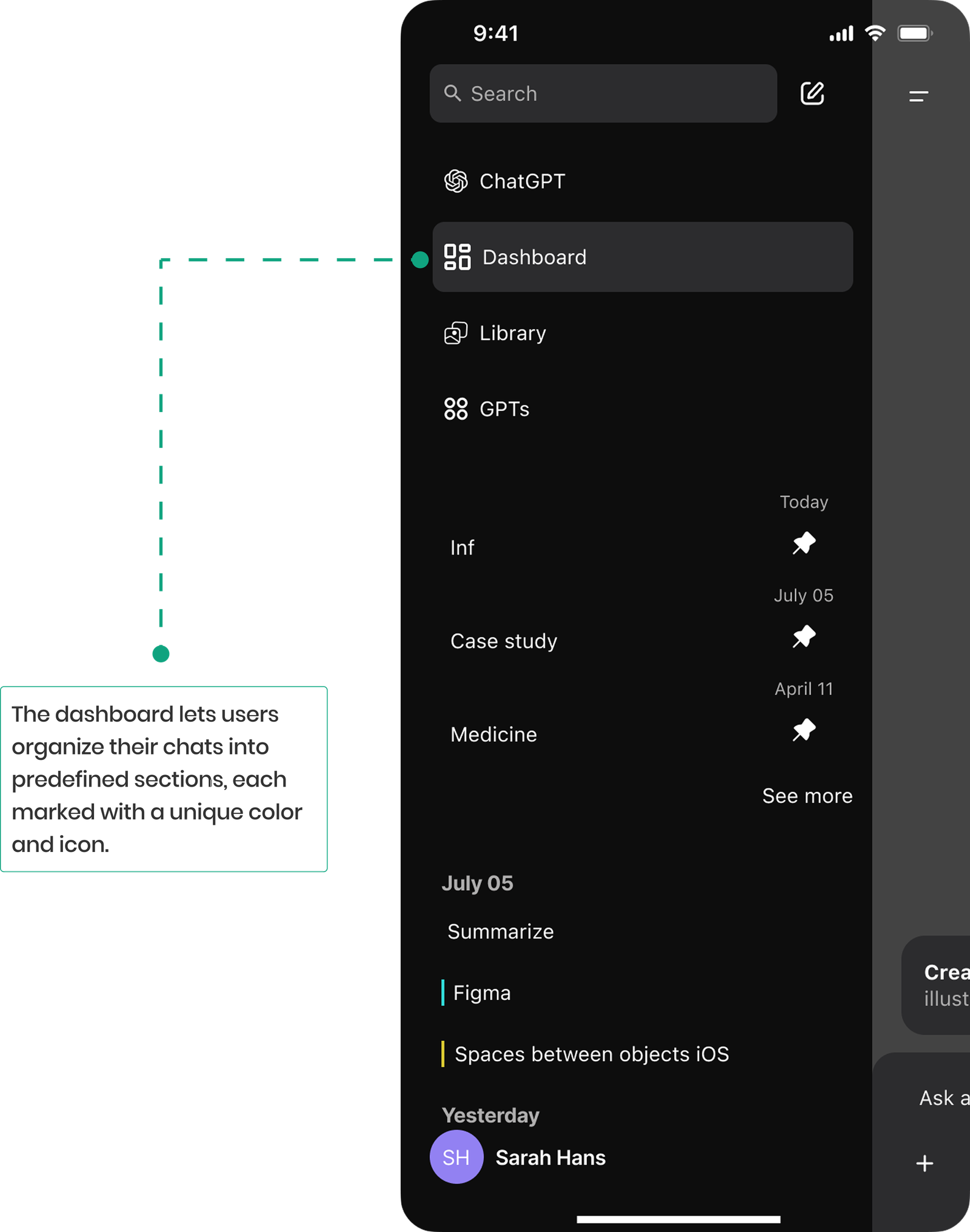
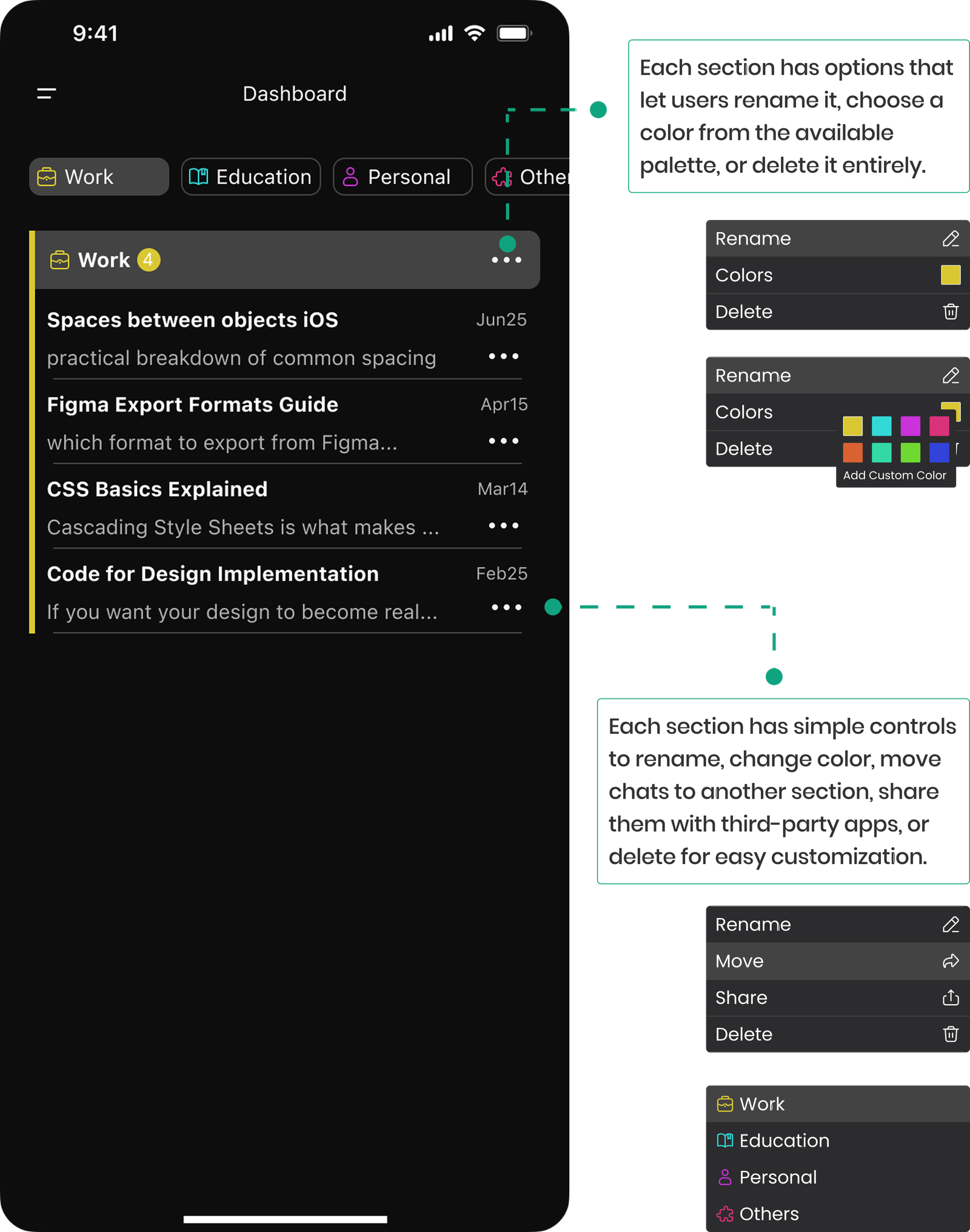
Solution 3: Customizable Dashboard
We designed a customizable dashboard that lets users organize their chats into color coded sections. Each section can be renamed, recolored, or removed making it easier to visually separate topics and maintain a clearer, more personal structure across conversations.
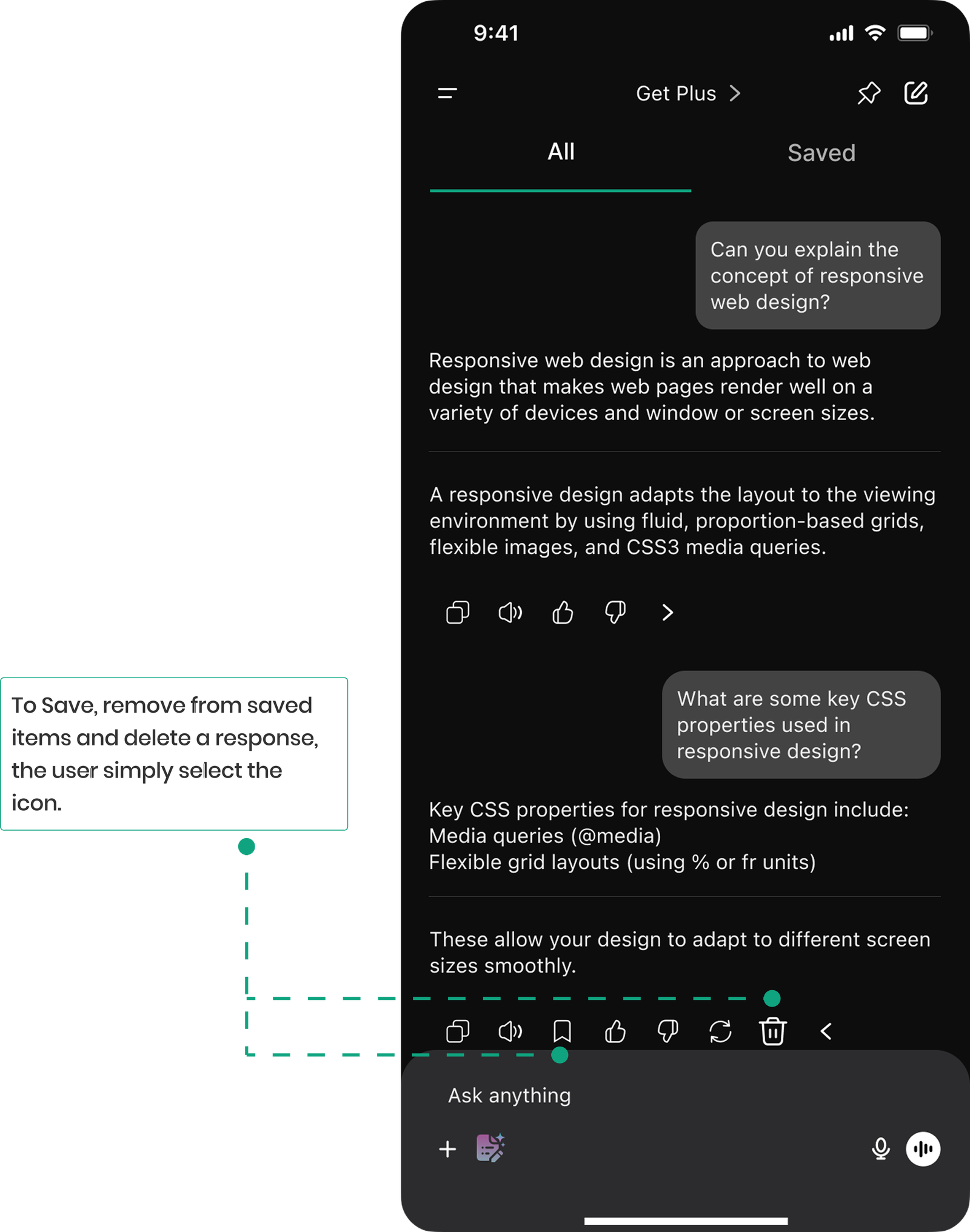
Solution 4: In-Chat Save & Access
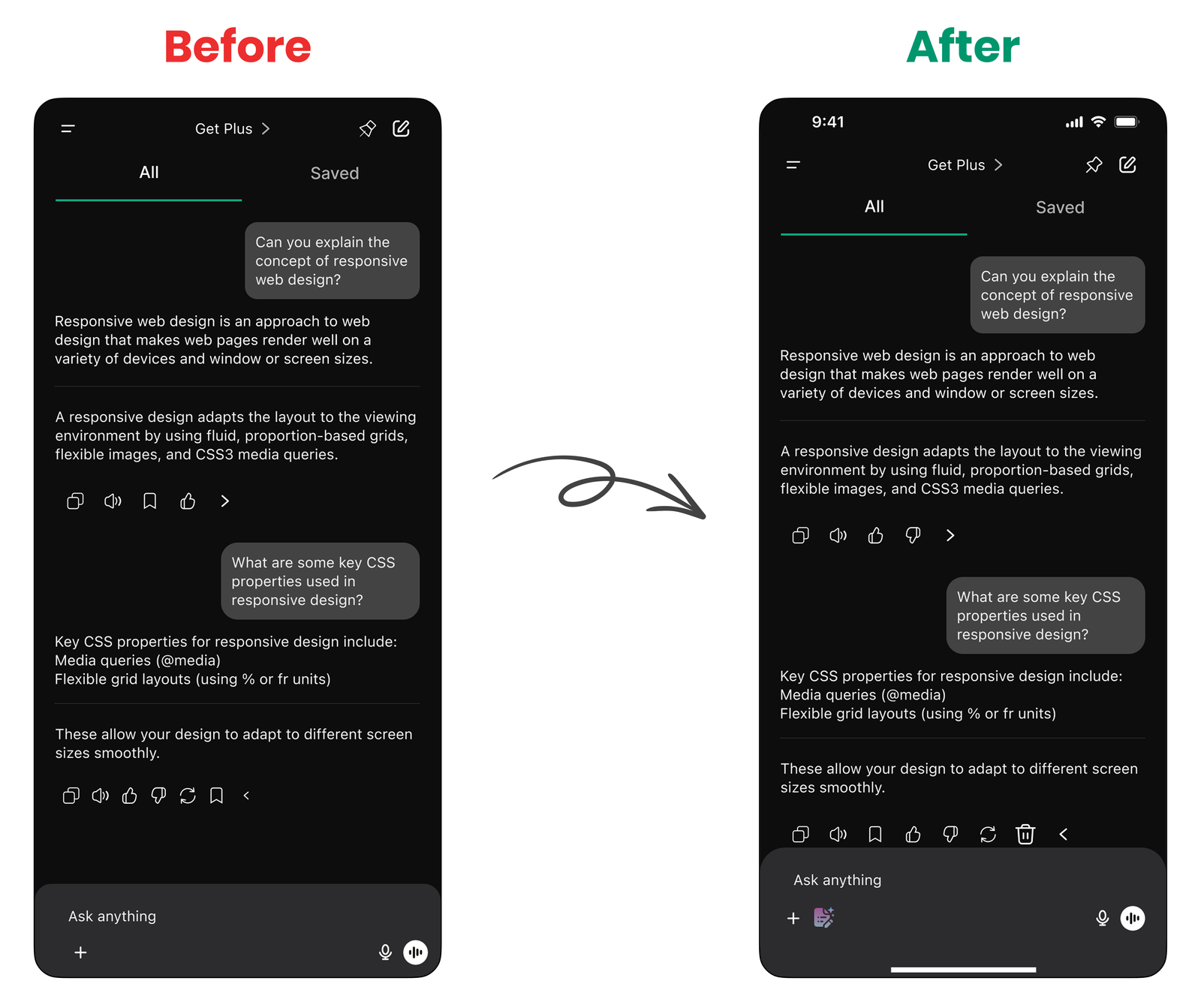
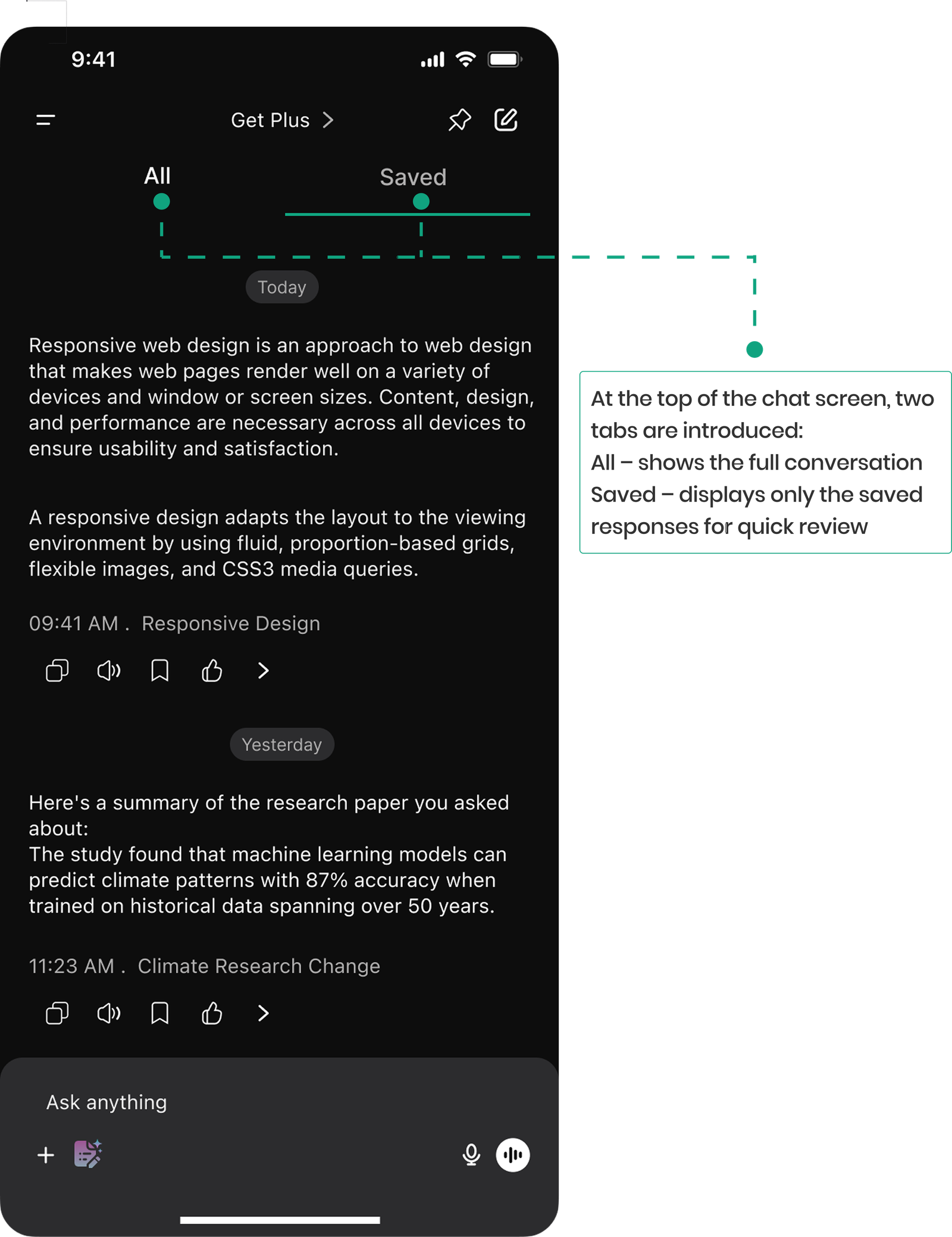
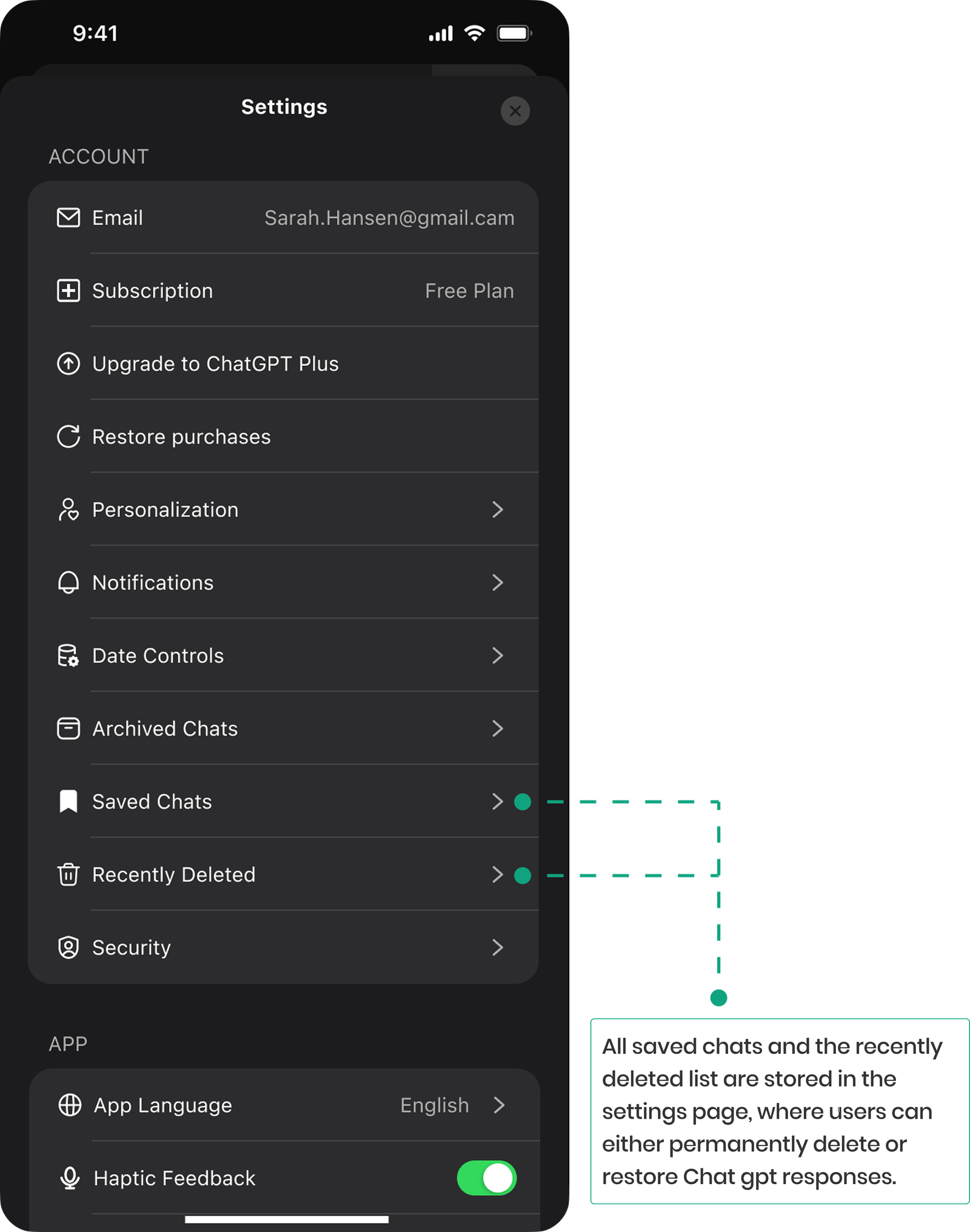
We redesigned the regular chat interface by dividing it into two sections: All and Saved. Users can save or delete individual responses, with all saved and recently deleted chats accessible in Settings, allowing users to easily review, restore, or permanently delete them.
Iteration
Refining Design to Build Confidence
By testing our features with real users and closely listening to their feedback, we identified usability gaps and iterated our designs to ensure clarity, efficiency, and a better experience.
Wait, how do I get rid of these grouped chats? I don’t see a delete option anywhere.”
Delete Icon for Grouped Chats
We noticed in testing process there was a demand for a delete button to easily remove unwanted AI-suggested chats. We thought adding a delete icon gives them more control and helps keep their chat history clean and organized.
The list feels a bit messy. It’s hard to tell which chats belong to what, and the pinned ones don’t really stand out.”
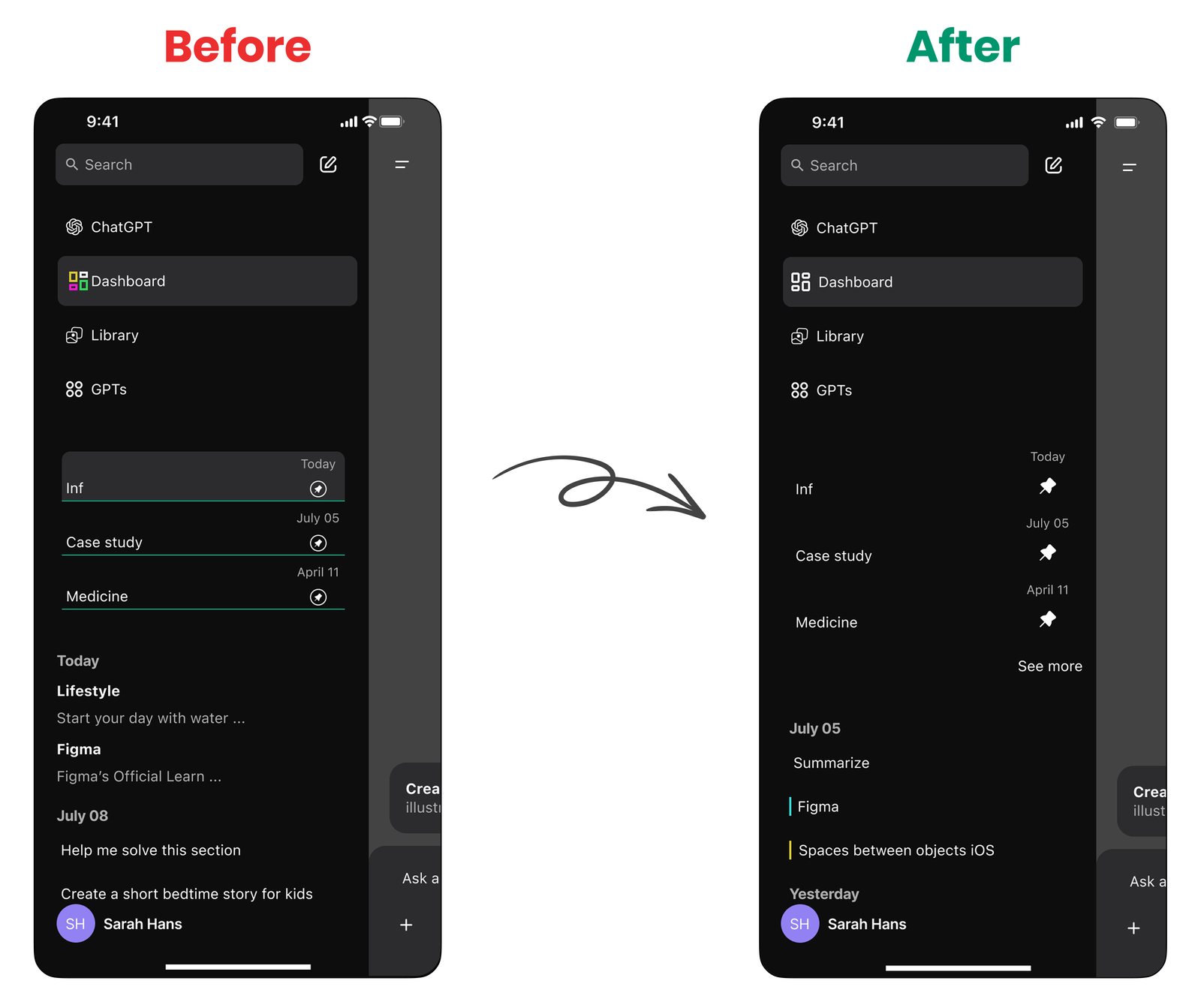
What we improved in Chat History
Added a “See more” button to keep the chat list clean and manageable
Added a small color line next to each chat title to indicate its saved category
Switched to a filled pin icon so pinned chats are easier to spot quickly
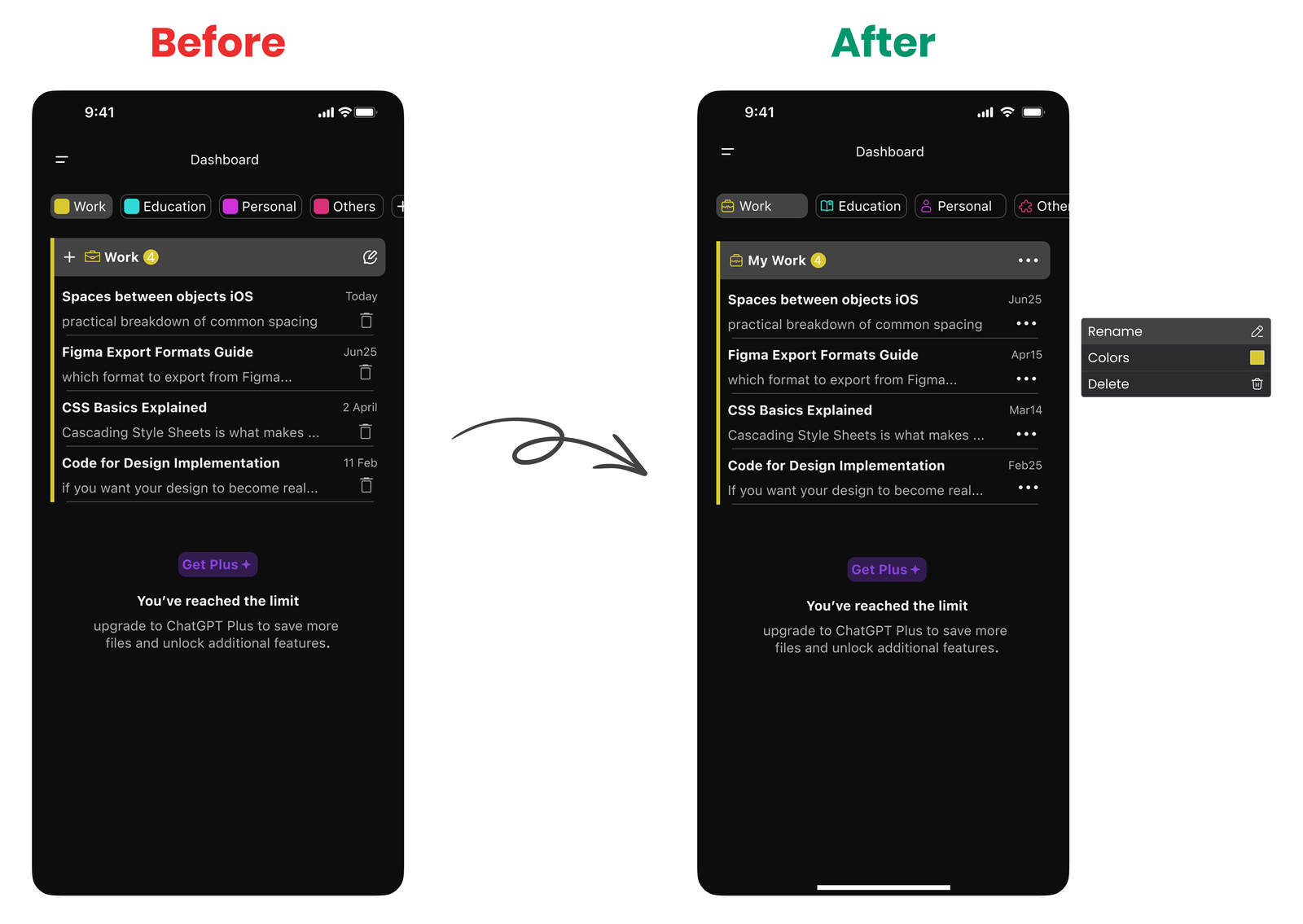
I hit edit but could only rename. would be nice to do it all from one spot.”
Smoother Folder Management in the Dashboard
The edit icon was replaced with a 3-dot menu to give users more options in one place, now they can rename a folder, assign a color, or delete it with a single tap.
The layout is now more compact and focused, making it easier to browse saved chats without distractions.
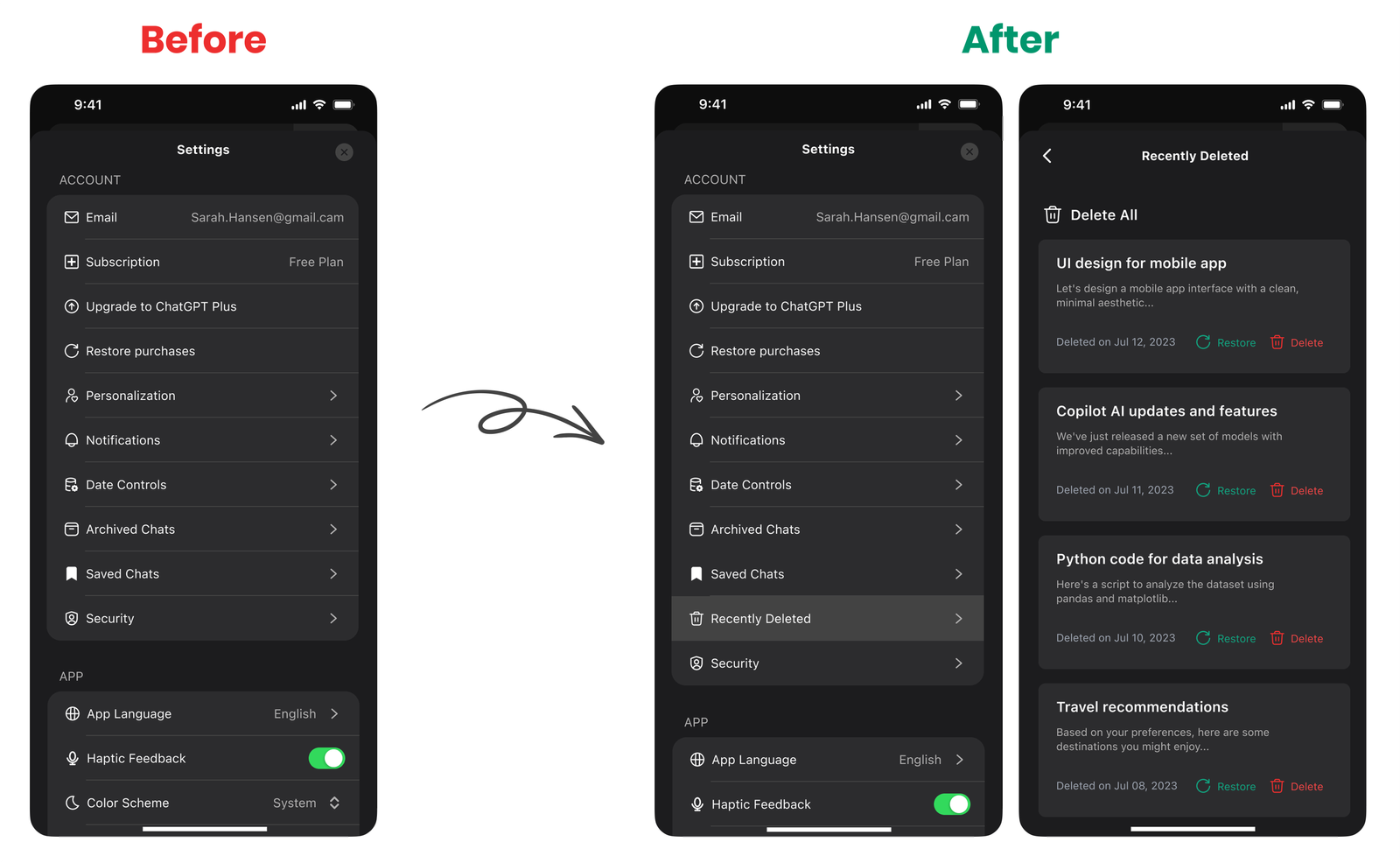
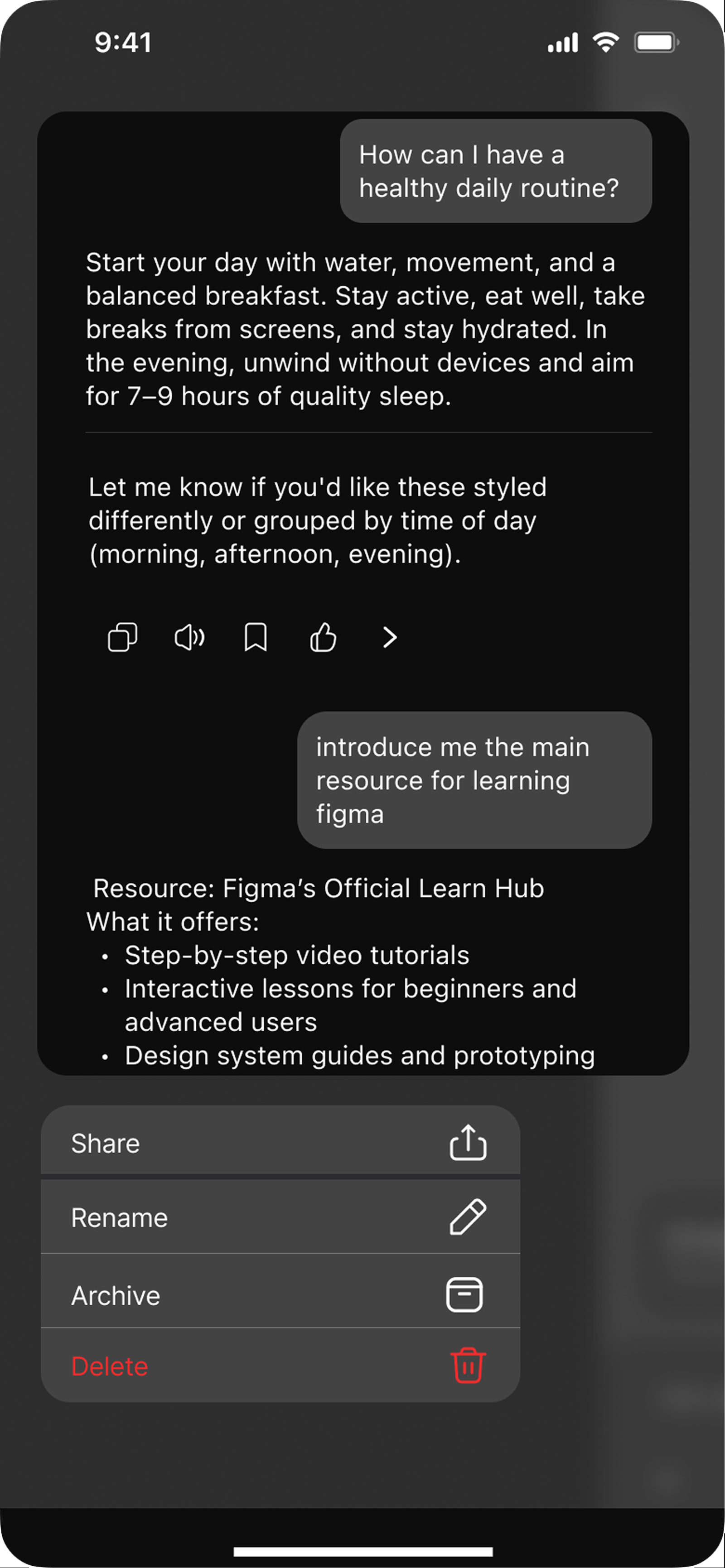
Oops, I didn’t mean to delete that chat. Kinda wish there was a way to get it back.”
Second Chances for Deleted Chats
In the latest iteration, we added a “Recently Deleted” section so users can view and restore chats they’ve accidentally removed. This gives them a safety net and more control over managing their conversation history.
What This Journey Taught Us
Letting Users Take the Lead
One of the biggest takeaways was that user needs should always lead the way even when they challenge our assumptions. What seemed “cleaner” or “more modern” to us wasn’t always what made users feel more in control. We learned that simplicity isn’t just about visuals it’s about making users feel safe, and understood. Adding features like a delete button or “Recently Deleted” wasn’t about design polish; it was about meeting real emotional and practical needs.
We also saw that giving users clear ownership of their content through flexible organization, visual cues, and easy recovery builds trust. Users don’t want to be managed by the system; they want tools that respond to them.
At the end of the day, real value comes from empathy not assumptions.
The Tough Parts We Faced
Designing for everyone (without the mess)
We had to find the sweet spot between clarity, usefulness, and simplicity, making sure things stayed easy to use without cutting out real value. Choosing what features should go in the free version vs. Plus was tricky, but it helped shape both experiences in a meaningful way. Every new design had to feel fresh, but not confusing. No overlapping, no bias, just a smooth experience for very different user needs.
The Road Ahead
Built with users, not just for them
Before wrapping things up, we’ll test with a broader group of users to make sure everything flows well. It’s all about catching the rough edges and making the experience even better.